
On this page22 sections
You've recorded a strong webinar, interview, or podcast episode. Now you need short clips for TikTok, Reels, and Shorts, captions that don't misrepresent the speaker, localized versions for different audiences, and enough supporting copy to publish everywhere without starting from a blank page. The hard part isn't finding another AI button. It's deciding which parts of the workflow deserve automation and which still need editorial judgment.
The best content repurposing tools solve different bottlenecks. Some help you understand why reference videos work before you create anything. Others find highlights in long recordings, edit through transcripts, translate speech, generate written assets, or distribute finished clips across channels. A tool that excels at clipping may be a poor scheduler, while a distribution platform may do almost nothing to identify the right moment in a recording.
This comparison organizes ten tools by their job in a short-form workflow. Each entry considers source content, output formats, automation depth, collaboration, and friction. The aim is practical: build a stack that helps you produce stronger platform-native content, including video that supports influencer video marketing conversion, without paying for overlapping capabilities.
1. TransClipper
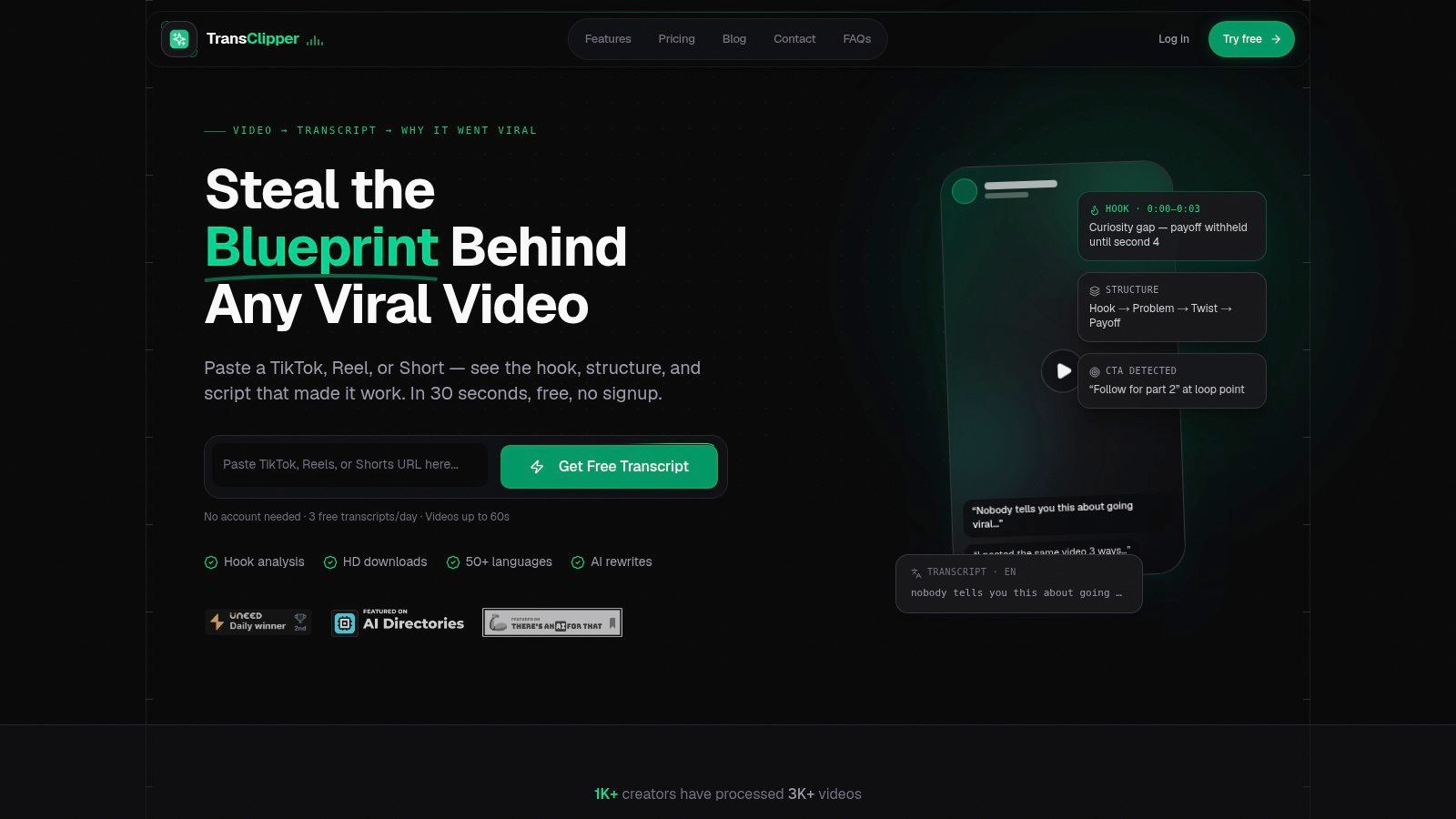
TransClipper fits the research stage of a short-form workflow. Before editing a finished recording, paste a TikTok, Instagram Reel, or YouTube Short to receive a transcript and a structured breakdown of its hook, narrative arc, call to action, audience cues, emotional progression, and loop points. Creators can study why a format works, then adapt the underlying approach to their own voice instead of copying surface details.
The research workflow supports rapid review. Transcripts generally complete in 5 to 10 seconds, and the platform supports 50+ languages, according to the product information provided by TransClipper. Bulk import handles up to 50 video links at once, including collections and playlists, while a searchable library keeps findings available for later planning. Reports export as TXT, XML, or PDF. HD downloads and cover images also keep basic asset capture in the same workspace.
Where TransClipper fits best
TransClipper extends beyond transcription. Its Viral Hook Generator, Script Rewriter, and Virality Analyzer turn observations into usable drafts. A creator can identify a recurring hook pattern, rewrite the opening for clearer delivery, and review the concept before handing it to an editor or short-form clipping tool.
That makes it useful for competitor analysis, format research, and creative planning. Team workspaces, roles, shared libraries, encrypted cloud storage, backups, device sync, and a transcript API support collaborative or programmatic workflows. Paid plans include fair-use unlimited transcripts. The free tier supports 3 transcripts per day for videos up to 60 seconds, while the listed annual Pro and Business plans are approximately $89 and $199 per year, respectively, based on the provided product details.
Practical rule: Use TransClipper to decide what deserves production. Use a clipper to determine how the finished recording should be edited.
Its boundaries matter. Transcription depends on audible speech and available platform captions, so videos built mainly around visuals may provide little useful input. Automated scraping can also be throttled, and the free tier is better suited to testing than bulk research. For teams that need structured insight before selecting clips, TransClipper's content repurposing workflow provides a focused starting point.
Best for: Short-form research, competitor analysis, hook development, and teams that want analysis and asset capture together.
Trade-off: It supports research and production planning, but it is not a full nonlinear editor or an all-purpose publishing suite.
2. OpusClip
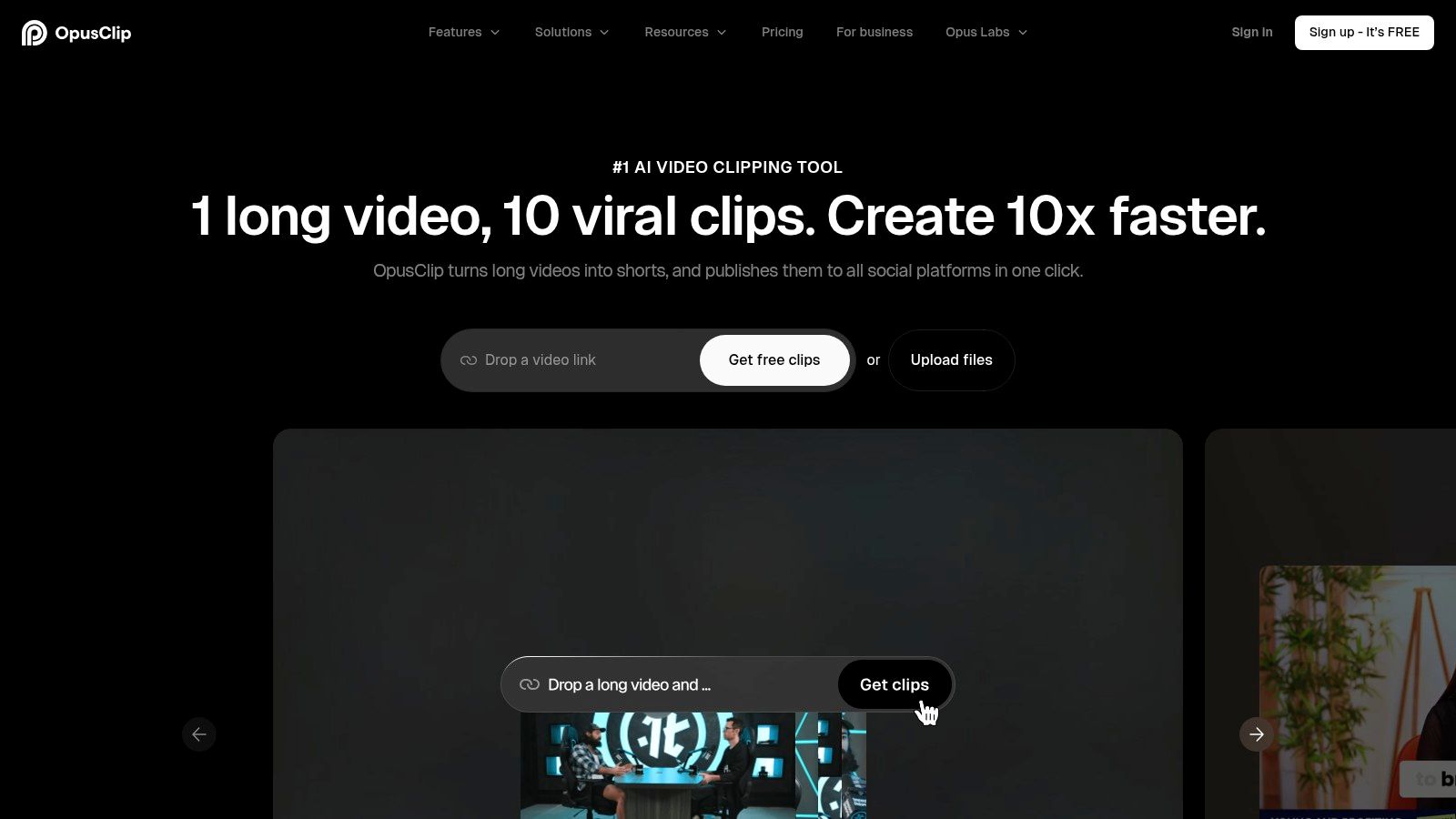
OpusClip is built for the familiar long-to-short problem. Upload a podcast, webinar, interview, or other long recording, and its AI identifies potential highlights, formats them for vertical, square, or widescreen output, and adds captions. Its Virality Score and auto-hook features help you sort a large batch when you don't have time to review every possible moment in the same order.
The platform is especially convenient for creators who want sensible defaults for TikTok, Reels, and Shorts. It can remove filler and silence, enhance speech, add B-roll from stock or AI-generated imagery, and reframe the speaker for different aspect ratios. The built-in scheduler and publisher also reduce the number of handoffs between editing and distribution.
Where it saves time
OpusClip works well when speed matters more than detailed editorial control. You can generate a first batch quickly, review the strongest candidates, then make light changes to captions, framing, and branding. Premiere Pro and DaVinci integrations are useful when the AI finds the right moment but the final edit needs a more capable timeline environment.
The friction appears when a brand needs precise layout rules, unusual caption treatments, or a carefully controlled visual identity. OpusClip's defaults are helpful, but they can feel limiting beside a full NLE. The free tier adds a watermark and restricts editing and exports after 3 days, according to the product notes supplied for this comparison. That makes it better for evaluating fit than for maintaining a serious production pipeline.
For a workflow that starts with research rather than a long recording, pair it with AI tools for content creators from TransClipper. Use TransClipper to study hooks and structure, then use OpusClip to extract related moments from your own source footage.
Best for: Fast, automated long-video clipping with light branding and publishing.
Trade-off: You'll still need human review, and advanced brand control is thinner than in a professional editor.
3. Repurpose.io
Repurpose.io addresses a different problem. It assumes you already have finished videos and need to move them across platforms reliably. You can connect sources such as Google Drive or Dropbox, resize and queue content, select automatic or scheduled publishing, and send videos to destinations including Shorts, TikTok, Reels, and LinkedIn.
That distinction matters. Repurpose.io isn't a highlight detector, transcript editor, or creative research system. It's a distribution automation layer. If your team has already approved a set of clips, the platform can remove repetitive uploading and keep a regular publishing workflow moving.
The operational trade-off
The initial setup takes planning. You'll need to define source folders, destinations, schedules, and account connections carefully. Once the rules are in place, the time savings can be substantial because the team no longer has to upload each asset manually. Storage integrations and queueing also make it practical for agencies managing recurring content from several brands.
The downside is scope. Repurpose.io won't tell you which section of a webinar deserves a clip, and it won't replace an editor that needs to clean up a weak opening or correct a caption. Account caps and posting limits also vary by plan, so teams should check how many network connections their workflow requires before committing.
AI add-ons can generate post captions and support Stories cross-posting, but the platform's core value remains automated publishing. Don't buy it expecting a complete content transformation suite. Pair it with a clipper such as OpusClip or Vizard AI, then send approved outputs into Repurpose.io.
Best for: Teams with finished short-form videos that need consistent cross-platform distribution.
Trade-off: Strong automation after editing, limited help with research, clip selection, or deeper content transformation.
4. Vizard AI
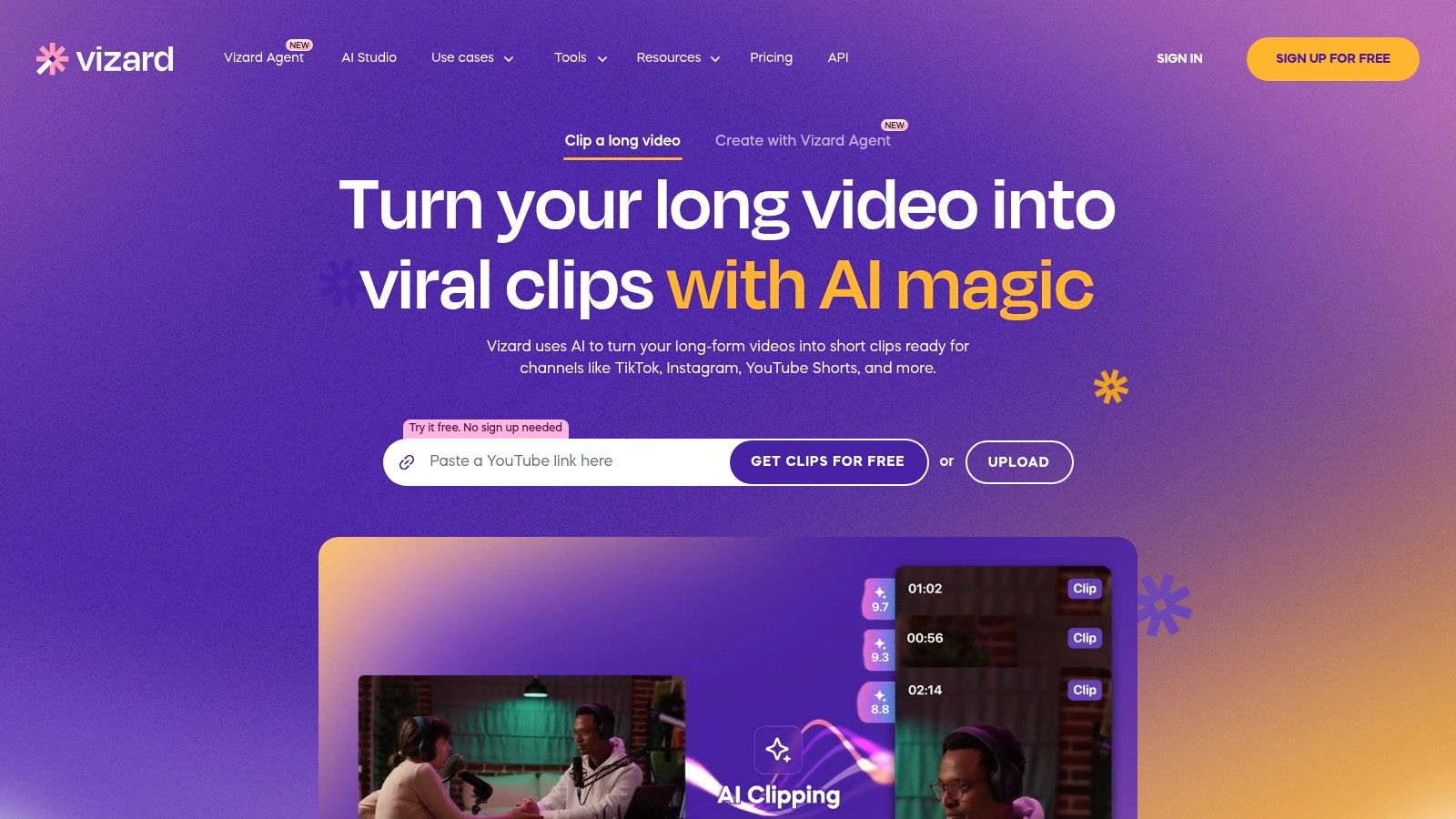
Vizard AI sits between automated clipping and multilingual production. Its clip generator looks for highlights, detects speakers, and can apply spotlight layouts, while transcription, translation, and dubbing support localized versions of the same source. That combination makes it useful for creators who need more than an English vertical cut from a long recording.
The platform supports adjustable clip durations, aspect ratios, and brand templates. Its API is a meaningful advantage for developers and teams that want to connect automated clipping to an internal content pipeline rather than operate every job manually in a browser.
Localization without losing context
Translation and dubbing can expand the usefulness of one recording, but they don't eliminate review. Names, industry terminology, humor, pacing, and culturally specific references can all require correction. Vizard's automation gives a team a strong first pass, especially when the same clip needs multiple language versions, but the final voice and caption timing still deserve a human check.
The web application also has an opinionated feel. That can help newer creators move quickly, yet power users who prefer detailed control may want to round-trip the output through Premiere Pro, DaVinci Resolve, or another professional editor. The more specific the layout or brand rules, the more likely that handoff becomes part of the workflow.
Vizard works best after the team has chosen the source recording and defined the target audiences. Use it for highlight detection, reframing, subtitles, translation, and dubbing. Use a separate research tool when the question is why a reference video works.
Best for: Automated clipping with multilingual subtitles and dubbing.
Trade-off: Efficient end-to-end automation, but users wanting granular editorial control may outgrow the browser workflow.
5. Kapwing
Kapwing is a broad browser editor for teams that want repurposing, design, and collaboration in one place. Its Repurpose Studio and Clip Maker help turn long videos into social-ready outputs, while Smart Cut removes silence. Transcription, subtitling, translation, dubbing, templates, and B-roll generation cover much of the supporting work that surrounds a clip.
The shared workspace is one of its practical strengths. Comments, brand kits, and browser-based sharing let editors, marketers, and approvers work from the same project without installing desktop software. SRT and VTT export is also useful when a team needs caption files outside the editor.
When a broad tool helps
Kapwing makes sense for a small marketing team that doesn't want separate tools for basic editing, localization, and social design. A producer can create a first clip, a brand manager can review it, and a social lead can adapt the output without moving between several applications.
Breadth can also create friction. Users who only need rapid clipping may find the interface heavier than a specialized clipper. The credit system and export limits need attention when subtitling or dubbing becomes a frequent production task. Some capabilities, including higher-quality export and additional AI minutes, are gated behind paid tiers according to the product notes supplied here.
Kapwing's best role is as a collaborative finishing environment. It's less useful as a research system, and it won't replace a dedicated distribution automation platform when publishing rules become complex.
Best for: Browser-based editing, captions, localization, templates, and team review.
Trade-off: Broad capability in one app, but credit limits and interface breadth can slow high-volume specialists.
6. Descript
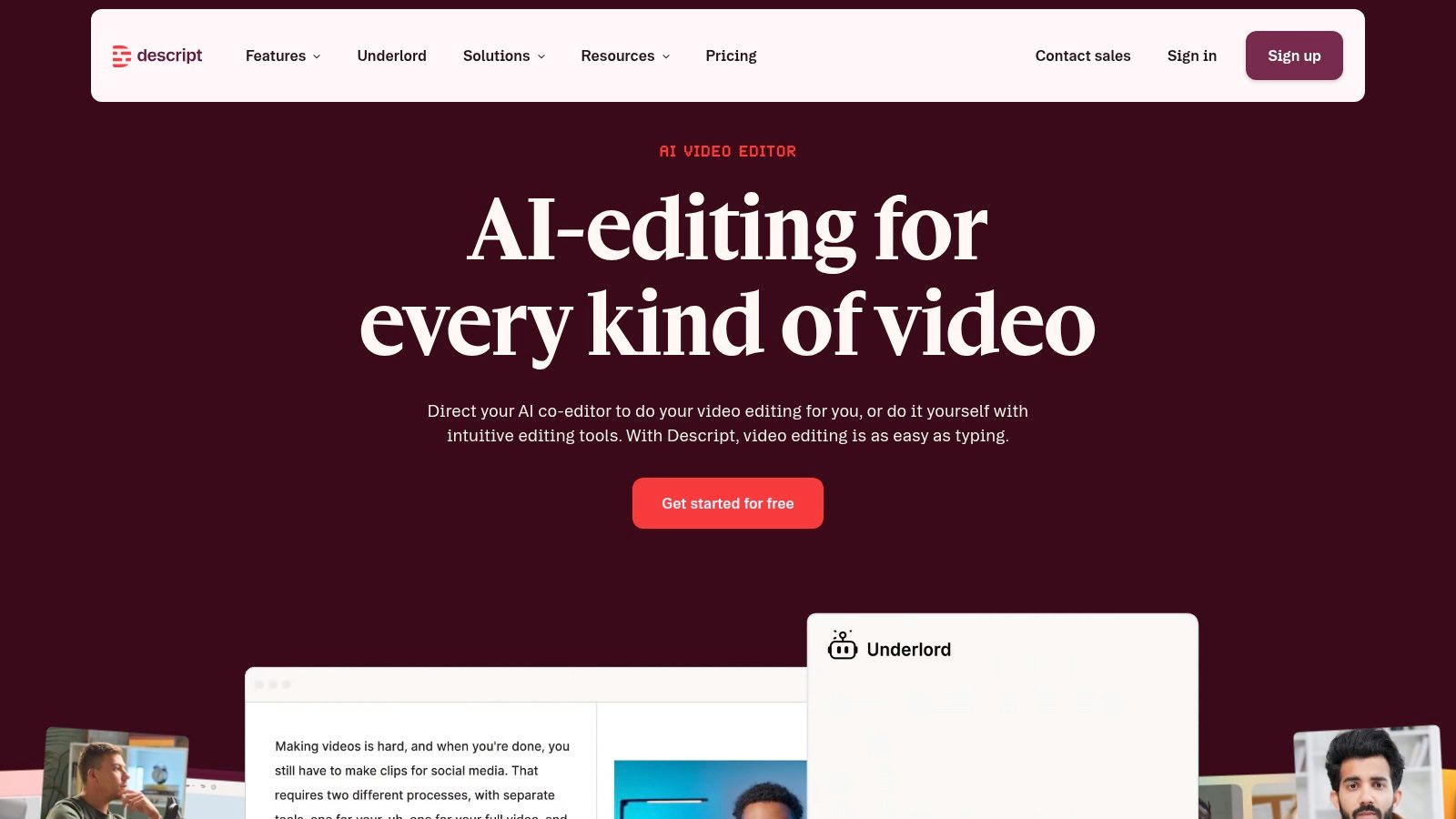
Descript changes the editing gesture. Instead of hunting through a timeline for every hesitation, you edit the transcript like a document. Delete a sentence, remove filler words, correct a section of dialogue, or select a passage, and the corresponding media changes with it.
That workflow is particularly effective for interviews, podcasts, webinars, and educational recordings where the spoken narrative carries the value. Studio Sound can clean up audio, Create Clips helps turn a selected passage into a short asset, and overdub voices can help correct small spoken errors. Translation and dubbing add another route to localization.
Editing by meaning
Descript is strongest when the editor knows roughly what the source should say but doesn't want to manipulate every cut on a timeline. Search makes it easy to find a phrase across a recording, and transcript-driven selection supports clean extraction from dense conversations. Team features and brand controls also make it viable beyond a solo creator workflow.
The learning curve is less about basic editing and more about resource management. Media-hour allowances and AI credits can feel confusing at first, especially when a team uses transcription, cleanup, overdub, and generation in the same project. Advanced features may also depend on higher tiers.
Use Descript when editorial coherence matters more than automatically generating a large batch of candidate clips. It pairs naturally with a research tool. TransClipper can reveal the hook structures and CTA patterns worth pursuing, while Descript can shape your own recording around a precise spoken argument. A related video-to-text converter workflow can help teams think through the transcript stage before editing.
Best for: Transcript-driven editing of podcasts, interviews, webinars, and talking-head video.
Trade-off: Excellent control over spoken content, but its credit model and advanced-tier features require planning.
7. VEED.io
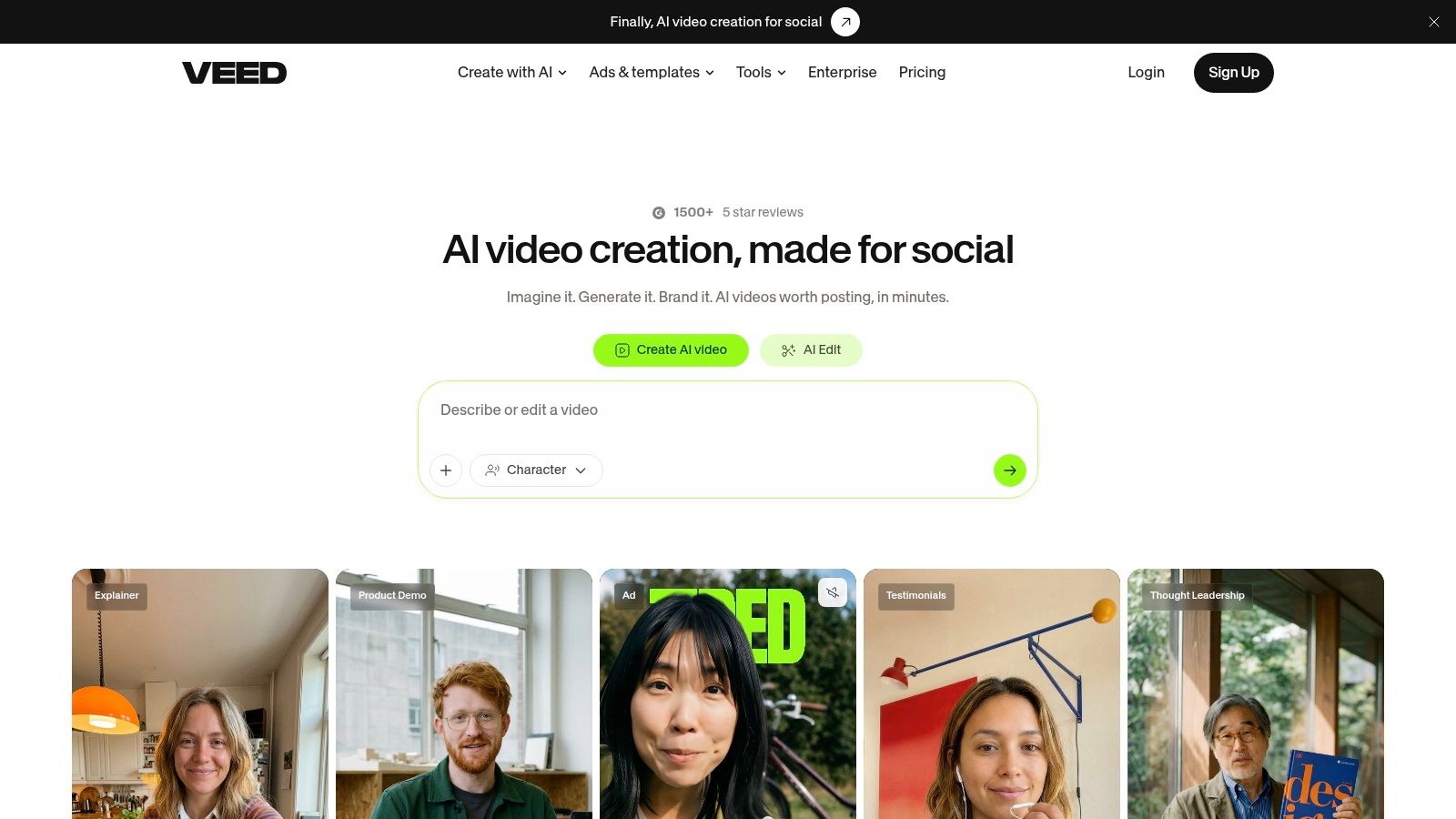
VEED.io is a pragmatic browser editor for creators who need to resize, caption, translate, and export short-form videos without adopting a heavyweight desktop application. Its AI Clip Generator and AI Video Editor provide automated starting points, while auto-subtitles, translation, dubbing, templates, and a teleprompter support both production and preparation.
The platform's preset-driven workflow suits social teams that create repeatable formats. A team can establish a vertical template, add captions, adjust framing, and produce variations for Shorts, Reels, and TikTok from the browser. Team workspaces and Fabric or Video APIs provide an avenue for more standardized workflows as production grows.
The cost of convenience
VEED's appeal is speed. Creators can work from templates instead of rebuilding captions and layouts for every output. The same convenience can become restrictive when a brand needs detailed guardrails, complex compositing, or deep timeline control.
AI credit and exact pricing details may surface inside the application rather than being fully clear on the public pricing page, so heavy users should test a representative workflow before choosing a plan. Calculate the full path, including transcription, translation, dubbing, exports, and team seats, rather than evaluating only the entry tier.
VEED is best used as a formatting and finishing layer. It can complement TransClipper for short-form research and a distribution platform for publishing, but it doesn't need to be the center of every stack.
Best for: Fast browser-based formatting, captions, translation, and social exports.
Trade-off: Strong preset workflow, lighter enterprise-grade brand governance and less transparent AI usage planning.
8. ContentFries
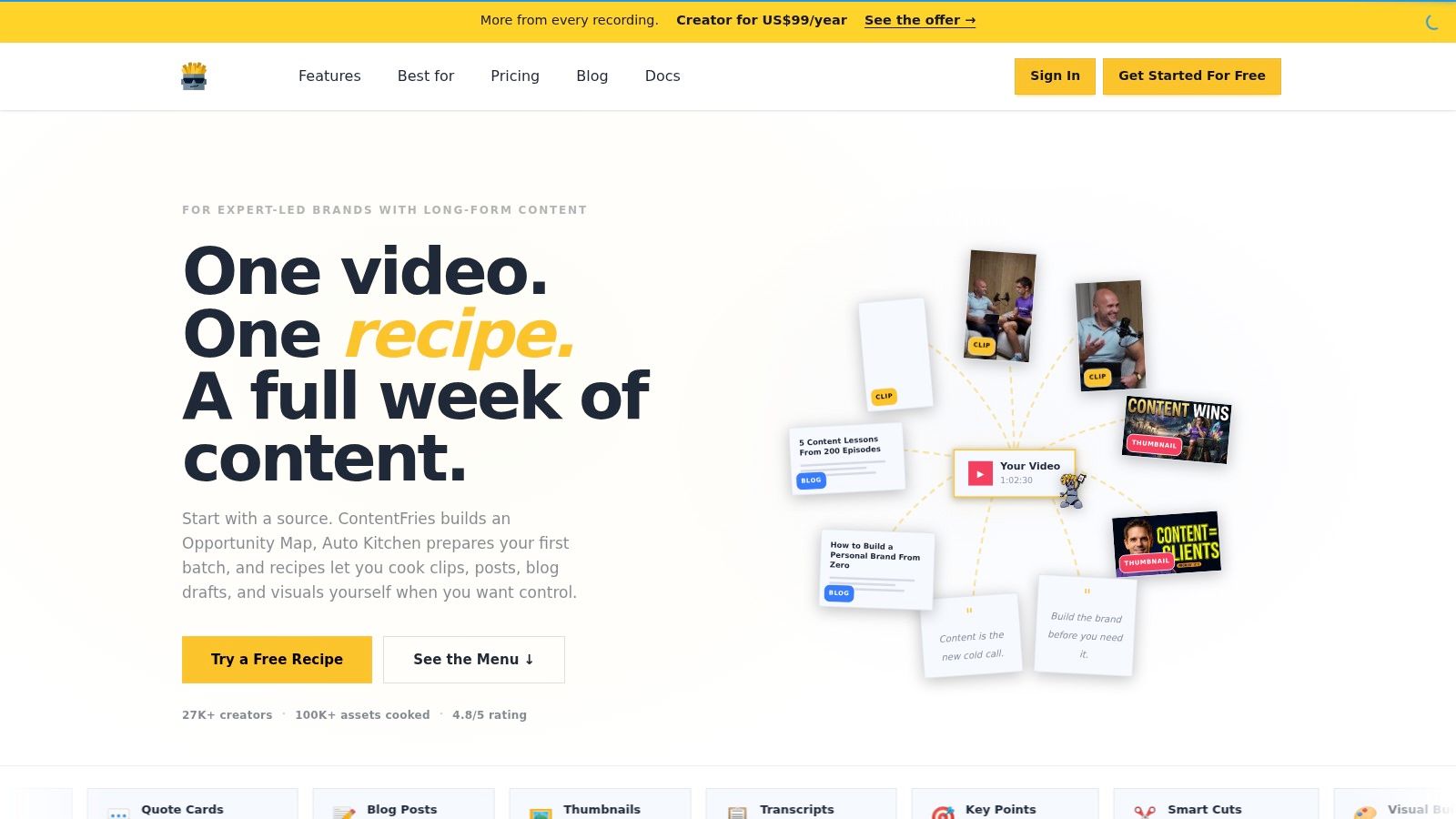
ContentFries is aimed at expert-led brands that want every recording to produce more than video clips. Its Opportunity Map identifies potential angles in a long recording, and Auto Kitchen generates a first batch of assets. The output can include short clips, quote images, blog drafts, thumbnails, and transcripts.
That broader scope is useful for B2B marketers, consultants, educators, and agencies that treat a webinar or interview as a source library rather than a single video file. Instead of asking only which moments should become clips, the workflow asks which ideas deserve a written post, quote graphic, blog draft, or thumbnail.
A different mental model
The product uses concepts such as recipes, kitchen, opportunities, review, planner, and memory. Those terms reflect a content system rather than a traditional editor. The system can learn a team's preferred style over time, but new users may need to understand the vocabulary before they can move quickly.
ContentFries works best when the team wants a one-source-to-many-assets process and has a clear review stage. AI-generated blog drafts, quotes, and social copy still need fact-checking, especially when the original recording contains technical claims or nuanced advice. The tool can widen the output set, but it doesn't remove the need for editorial prioritization.
For teams designing a repeatable content creation workflow, ContentFries is a strong candidate when the bottleneck is asset planning. If the bottleneck is identifying proven short-form patterns in external videos, TransClipper is more focused.
Best for: Expert-led and B2B teams turning long recordings into video, copy, quotes, and graphics.
Trade-off: More complete multi-format planning, with a steeper learning curve than a conventional editor.
9. Pictory
Pictory serves teams that need a broad AI video environment rather than a narrow clipper. It supports auto-highlights and clips, text-based editing, subtitles, translations, brand kits, templates, stock libraries, and workflows that can generate video from a URL or script.
That input flexibility makes it useful when a content program includes webinars, tutorials, blog posts, and written briefs. A marketing team can start with real footage for one campaign and create a visual explainer from existing text for another, while keeping styles and brand elements within the same wider environment.
Broad coverage versus fast execution
Pictory's strength is range. Collaboration, integrations, brand controls, and stock content support teams that need more than one type of output. It can be a practical choice when the repurposing program includes both footage-based edits and text-to-video production.
The same breadth can overwhelm creators who only need to extract a few short clips from a recording. More menus and more possible workflows don't automatically produce better edits. Teams should decide whether they need Pictory's wider content library before accepting the overhead of a broader platform.
Pictory is a sensible hub for marketing departments with varied inputs and outputs. It's less compelling when the production question is narrow and urgent, such as finding the strongest moments in one interview and exporting them quickly.
Best for: Teams combining video clipping, text-to-video generation, stock media, and brand templates.
Trade-off: Flexible and scalable, but broader than necessary for simple short-form extraction.
10. Munch
Munch starts with a video and produces a package of cross-channel content. Its outputs can include platform-specific posts, an X thread, an email, a carousel, a YouTube description, pull quotes, a newsletter, and an SEO blog post. That makes it useful after the video concept is already settled and the team needs supporting assets around the finished or planned clip.
The platform also supports bulk processing, webhooks, Zapier integrations, optional Buffer scheduling, and multilingual generation through Claude in 16+ languages, based on the product notes supplied for this comparison. Those capabilities position Munch as a copy and workflow layer rather than a specialist video editor.
What Munch doesn't replace
Munch's main advantage is removing the blank page. A marketer can give the tool one source video and receive several drafts adapted to different channels. That doesn't mean every output should be published unchanged. Platform-native copy still needs brand review, factual checking, and adjustments for the specific audience.
Munch won't replace a clip detector or a detailed video editor. If the source is a long webinar, you'll usually want OpusClip, Vizard AI, Descript, or another editor to identify and refine the actual video moments first. Munch then helps turn the approved idea into written distribution assets.
Its pricing approach includes pay-as-you-go and tiered options for different volumes, which may suit teams that don't want a single rigid production pattern. Review the credit or volume assumptions before selecting a plan.
Best for: Generating platform-specific copy and supporting assets from an approved video idea.
Trade-off: Strong multi-format writing support, limited video clip detection and editing.
Top 10 Content Repurposing Tools Comparison
| Product | ✨Key features | 👥Target audience | 💰Pricing / Value | ★Quality (speed / accuracy) | 🏆Standout / USP |
|---|---|---|---|---|---|
| 🏆 TransClipper | Accurate 50+‑lang transcripts, hook/structure/CTA detection, viral score, AI agents, bulk import, HD 1080p downloads, searchable library | 👥 Short‑form creators, marketers, agencies, content teams | 💰 Free (3/day); Pro ~$7.4/mo; Business ~$16.6/mo, unlimited transcripts | ★★★★★ Fast (5–10s), high accuracy, timestamped | 🏆 Purpose‑built short‑form analysis + creation; actionable AI agents ✨ |
| OpusClip | Auto clipping, Virality Score, animated captions, reframing, scheduler/publisher | 👥 Creators needing fast automated clips & posting | 💰 Free w/ watermark; paid removes watermark, more exports | ★★★★ Fast clip generation, sensible defaults | ✨ Built‑in scheduler & reframing for direct posting |
| Repurpose.io | Auto‑publish, queueing, wide destination support, storage integrations | 👥 Teams/brands needing large‑scale distribution automation | 💰 Tiered plans; per‑network account caps apply | ★★★★ Reliable automation for multi‑channel posting | ✨ Scales cross‑platform publishing & queue workflows |
| Vizard AI | Auto highlight detection, speaker detection, transcription/translation/dubbing, API | 👥 Teams wanting automated highlights + multilingual support | 💰 Tiered + API pricing (developer‑friendly) | ★★★★ Strong auto‑detect & translation quality | ✨ Developer API for automated clipping & scaling |
| Kapwing | Repurpose Studio, Smart Cut, AI subtitling/translation, collaboration, templates | 👥 Teams wanting browser‑based editing & repurposing | 💰 Free tier; paid for 4K/extra AI minutes | ★★★★ Broad toolset, good subtitling | ✨ Generous AI minutes & easy team sharing |
| Descript | Transcript‑driven editing, Create Clips, overdub, Studio Sound, filler removal | 👥 Podcasters, interview editors, creators who edit by text | 💰 Tiered; media hours / credit model | ★★★★★ Powerful edit‑by‑text, studio‑grade audio | ✨ Overdub + document‑style video editing workflow |
| VEED.io | AI Clip Generator, auto‑subtitles/translation/dubbing, templates, APIs | 👥 Social teams needing quick templates & captions | 💰 Paid tiers (AI credits), details in app | ★★★★ Fast browser workflow, many presets | ✨ Large template library & simple API options |
| ContentFries | Opportunity Map, Auto Kitchen batch gen, multi‑format outputs (clips, quotes, thumbnails, transcripts) | 👥 Expert brands / B2B teams needing consistent multi‑format outputs | 💰 Tiered pricing for scale | ★★★★ Great one→many asset generation | ✨ Produces copy + graphics + clips from one source |
| Pictory | Auto highlights & clips, subtitles/translations, brand kits, stock library | 👥 Teams converting webinars/tutorials into on‑brand shorts | 💰 Tiered plans; enterprise options | ★★★★ Deep content library, broad features | ✨ Multi‑format generation + large stock assets |
| Munch | Generates cross‑channel copy/formats per video (posts, threads, descriptions), Claude‑powered, bulk | 👥 Social managers needing copy + assets per video | 💰 Pay‑as‑you‑go & tiered volumes | ★★★ Useful for copy/asset packs | ✨ Automated cross‑channel copy & asset packs |
Build a Repurposing Stack That Matches Your Bottleneck
The right choice starts with the work that currently consumes the most attention. If your team spends time studying competitor videos, transcribing reference clips, comparing hooks, and turning observations into scripts, start with TransClipper. Its short-form focus, structured analysis, searchable library, bulk import, and AI agents address the research and planning layer before production begins.
If the source is your own long recording, add a tool that specializes in extracting moments. OpusClip is a practical choice for rapid automated clipping, while Vizard AI is better suited to teams that need clipping plus translation and dubbing. Descript is the stronger option when an editor needs to shape an argument through transcript text instead of accepting an automatically selected clip.
If your bottleneck is editing capacity rather than tools, a team that handles social media video production can turn your raw footage into platform-native cuts for Reels, TikTok, Shorts and LinkedIn.
Localization deserves its own decision. Kapwing, VEED.io, and Vizard AI can support subtitles, translation, or dubbing, but the best option depends on how much control your team needs over timing, voice, layout, and brand treatment. AI can accelerate the first pass, but human review remains important for context, accuracy, tone, and implied calls to action. Current commentary on short-form interpretation also treats transcription and multimodal understanding as active problems, so fully automatic publishing is a risky assumption, particularly for sensitive or technical content.
The final layer is distribution and supporting copy. Repurpose.io makes sense when approved clips already exist and the pain is cross-platform publishing. Munch is more useful when one video needs an accompanying package of posts, threads, newsletters, quotes, and descriptions. ContentFries or Pictory can fit teams that want a broader one-source-to-many-assets system rather than a single-purpose clipper.
Test before you consolidate. Run one representative recording or reference set through each candidate and inspect the transcript, clip boundaries, captions, translations, framing, exports, and written drafts. Check platform coverage, collaboration permissions, storage, API access, usage limits, watermarks, credit rules, and the amount of manual review required. A fast first draft isn't a saving if an editor has to rebuild every output.
The business case is strongest when a team treats repurposing as a connected workflow. Adobe Express reported that 70% of 517 surveyed small business owners were already repurposing content in 2024, while 56% of those using AI for repurposing said they saved 1 to 5 hours per week. The same survey found that 83% considered TikTok the most effective channel for engaging their target audience with repurposed content. These figures point to an established operational need, but they don't prove that any one tool will fit your process. Your own source material, audience, approval standards, and publishing cadence still determine the best stack. (Adobe Express survey summary)
For teams still underusing repurposing, the opportunity is usually not another isolated generator. One industry analysis reported that 59% of teams repurpose content only occasionally or never, while systematic multi-format repurposing was associated with much stronger reported performance, 56.6% versus 9.8%. The same analysis attributed 56.9% of production time to creation and editing, which helps explain why research, clip selection, transcript editing, and format conversion are such high-value areas for automation. (Industry analysis of AI content repurposing)
Build around your bottleneck, keep human review where context matters, and let each tool do one job well. That approach is more dependable than buying several overlapping platforms and hoping one of them becomes a complete content department.
TransClipper helps you analyze TikToks, Reels, and Shorts, generate transcripts in 50+ languages, identify hooks and CTAs, and turn research into scripts and supporting content. Visit TransClipper to test a short-form repurposing workflow built for structured research, bulk analysis, and faster creative decisions.


