
On this page24 sections
Most advice about ai tools for content creators gets one thing wrong. It treats the biggest all-in-one app as the safest choice. In practice, the best stack is usually a narrow workflow built around the jobs you do every week.
A short-form creator usually needs four things. First, research and ideation. Second, recording and repurposing. Third, editing and polish. Fourth, localization. If a tool is strong in one job and mediocre in the others, that's often still a better buy than a bloated platform you only use at twenty percent of its capacity.
That matters even more now because creator AI use is no longer niche. A 2026 global survey of more than 16,000 creators found that 86% use creative generative AI, 76% say it accelerated business or follower growth, 81% say it helps them create content they otherwise could not have made, and 60% used more than one AI tool in the past three months, which points to real multi-tool workflows rather than platform lock-in, according to Presenc AI's creator economy research.
So this list is organized by production jobs, not by hype. It starts with the research-first tools that help you study what's already working, then moves into capture, repurposing, editing, and multilingual distribution. If your work lives on TikTok, Reels, and Shorts, TransClipper is the standout place to start because it helps you reverse-engineer the clip before you create the next one. If you want a broader market view after this list, Hooked's guide to AI content tools is also worth skimming.
1. TransClipper
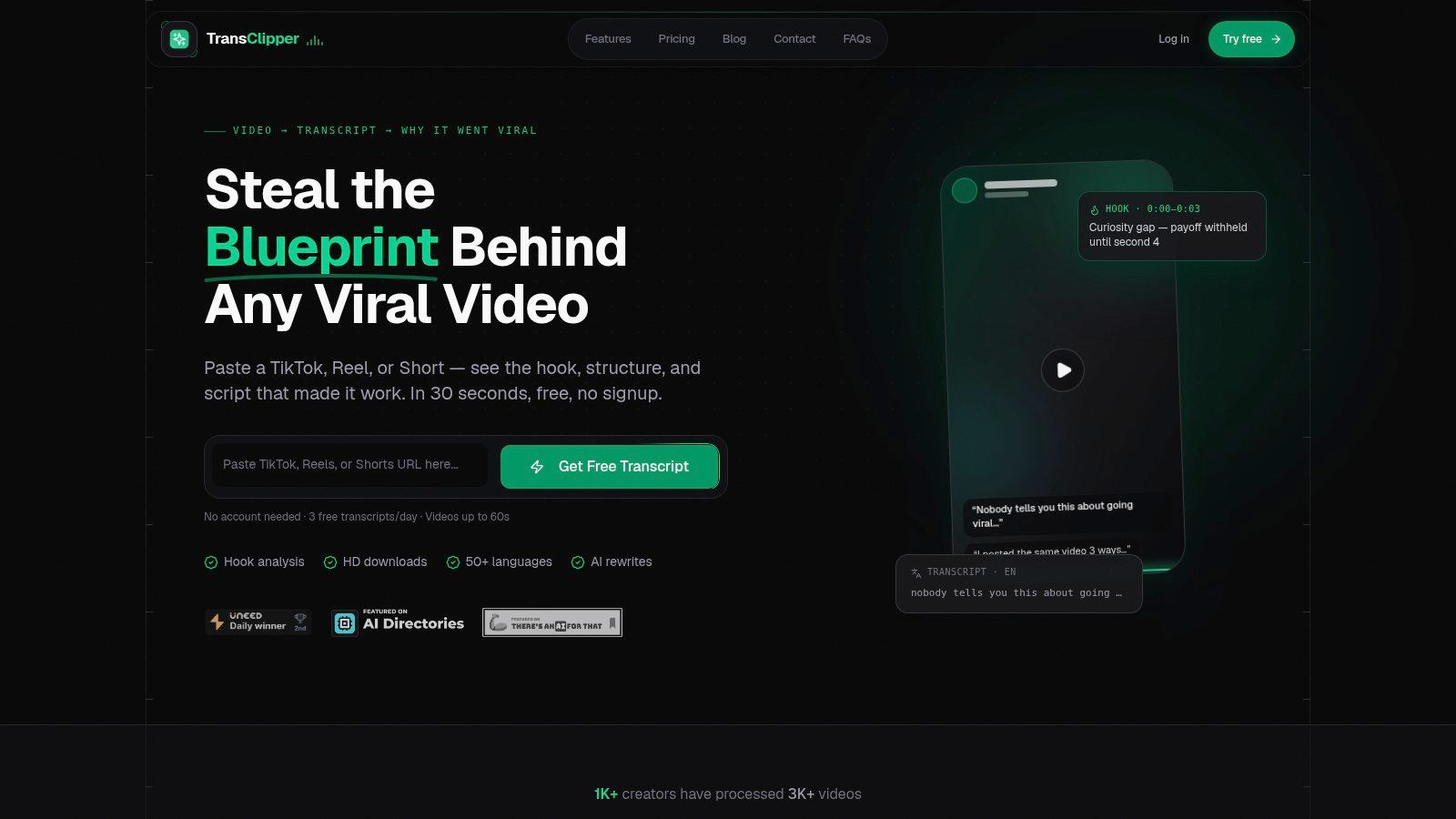
TransClipper earns its place here because it handles a job that many creators still do badly. Research. Before the script, before the shoot, before the edit, someone has to study what is already working in the format and turn that into a usable brief.
That is the role it fills.
Paste in a TikTok, Reel, or Short and the tool turns the clip into something a strategist can work with: transcript, hook breakdown, structure, CTA detection, timestamps, and a virality-oriented read on the format. The value is not the raw output. It is the speed at which you can compare patterns across multiple reference clips and decide what to test next.
A practical use case makes the difference clear. Say a creator pulls five high-performing videos from one niche and sees that three open with a direct claim in the first second, one uses a curiosity gap, and one starts with a fast visual payoff. That comparison changes the next script brief. Instead of asking for "stronger hooks," the brief can ask for three specific hook variants, matched to patterns already proven in the category.
Where it fits best
TransClipper is a pre-production tool. It works well for short-form teams that review competitors weekly, build swipe files, or need to turn source clips into script inputs without logging every observation by hand.
The library and bulk import workflow matter more than the headline features. If a strategist is reviewing dozens of clips for a client, searchable transcripts and organized references save more time than another AI writing panel. Teams also get practical utility from exports, source downloads, and shared access because research usually involves more than one person.
If transcription is the first bottleneck in your workflow, TransClipper's guide on how to make transcripts is a useful reference.
Speed helps, too. Quick transcript turnaround makes it realistic to review a batch of examples in one sitting instead of spreading the work across multiple tools. Support for many languages also matters for creators studying formats across markets, although cross-language analysis still needs human review for tone, slang, and local context.
Trade-offs to know
TransClipper does not replace an editor. It does not solve frame-level pacing, motion design, brand finishing, or final delivery polish. Its value sits earlier in the workflow, where the team is deciding what format to make and which patterns are worth testing.
It also needs clean enough source material. Weak audio, heavy accents, overlapping speech, or clips driven mostly by visuals will reduce transcript quality and make the structural analysis less reliable. The output is good for direction, not blind acceptance.
The AI agents are useful when you want research to turn into drafts quickly, but they still need review. Hook suggestions and rewritten scripts can shorten the first pass. They should not be treated as final creative. For creators building a small stack by production job, that is the right way to use this tool: research first, then move the approved idea into recording or editing software built for the next stage.
2. OpusClip
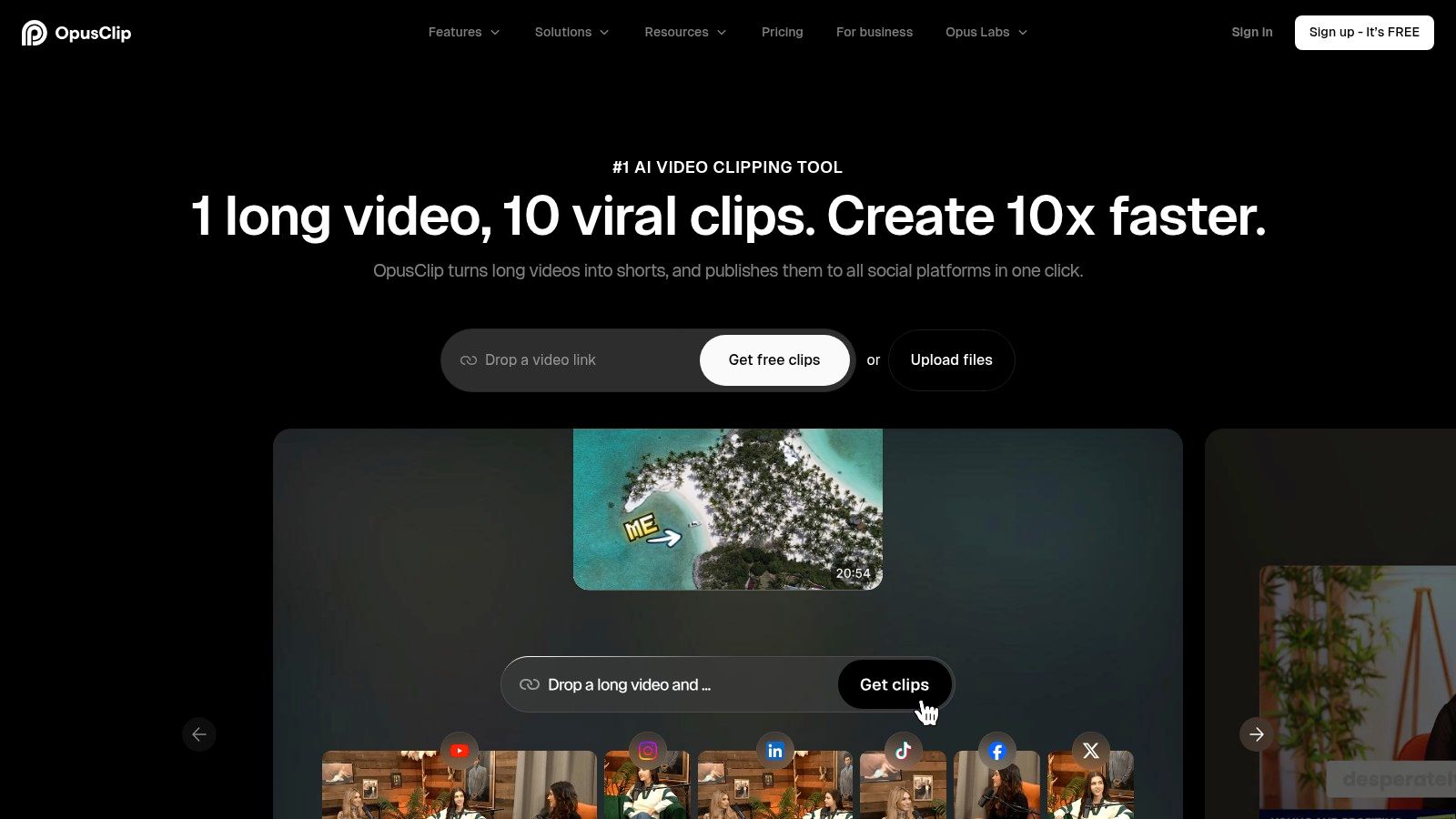
OpusClip is for creators who already have long recordings and need shorts fast. Podcasts, webinars, interviews, and YouTube videos are its natural input. Instead of manually scrubbing through an hour of footage, you upload once and let the platform surface candidate moments.
Its biggest strength is speed plus prioritization. The virality-style scoring and hook detection can help you sort through lots of material without guessing which segment might cut best. Auto-reframing to vertical and built-in caption styling make it a practical repurposing tool, not just a clip finder.
What it does well
OpusClip works best when the source material is rich in spoken moments, clean topic shifts, or obvious quotable sections. Interview creators and education creators usually get more value here than visually driven creators whose best moments depend on B-roll, edits, or on-screen demos.
- Fast highlight discovery: It reduces the manual hunt for usable moments.
- Vertical formatting built in: Auto-reframing gets clips into 9:16 quickly.
- A/B-friendly output: Ranked candidates make it easier to test multiple cuts from one recording.
The limitation is the same one you see in most clipping tools. A score can help rank options, but it can't understand your audience nuance the way a human editor can. Some of the best clips are context-heavy and need setup that an automated picker may trim too aggressively.
Virality scoring is a sorting layer, not a publishing decision.
If your production model starts with long-form and fans out into many shorts, OpusClip can remove a lot of repetitive labor. Just don't skip review. You still need to check whether the extracted moment lands cleanly without the surrounding conversation.
3. Munch
Munch fits a different job than the clip scorers above. It is less about finding the single best moment and more about turning one source video into a publishable package for several channels.
That distinction matters in a real workflow. Some creators already know which moment they want. The slow part comes after the edit, when they still need a LinkedIn post, an X caption, a newsletter blurb, and a version of the message that does not read like copied promo text. Munch helps at that stage.
I would put it in the distribution layer of a small stack. Record in one tool, cut in another if needed, then use Munch when one episode or webinar has to become a short campaign instead of a lone clip. That makes it more useful for consultants, founders, educators, and B2B teams repurposing interviews or talking-head content than for creators whose output depends on heavy visual editing.
A few parts of the product are practical:
- Multi-asset repurposing: One upload can produce clips plus supporting copy for multiple platforms.
- Language and tone controls: Brand voice presets and multilingual options can reduce rewrite time.
- Good fit for campaign-style publishing: It suits workflows where each recording needs text assets around the video, not just the video itself.
The trade-off is editorial consistency. The generated copy often gets the structure right but misses the sharpness, restraint, or audience context that makes a post feel native to a platform. I would not hand Munch the final say on positioning, claims, or CTA language. It works better as draft generation for distribution than as a substitute for channel judgment.
If your bottleneck is clipping alone, other tools in this list are a tighter fit. If your bottleneck is turning one finished recording into a week of channel-specific outputs, Munch earns its place.
4. Descript
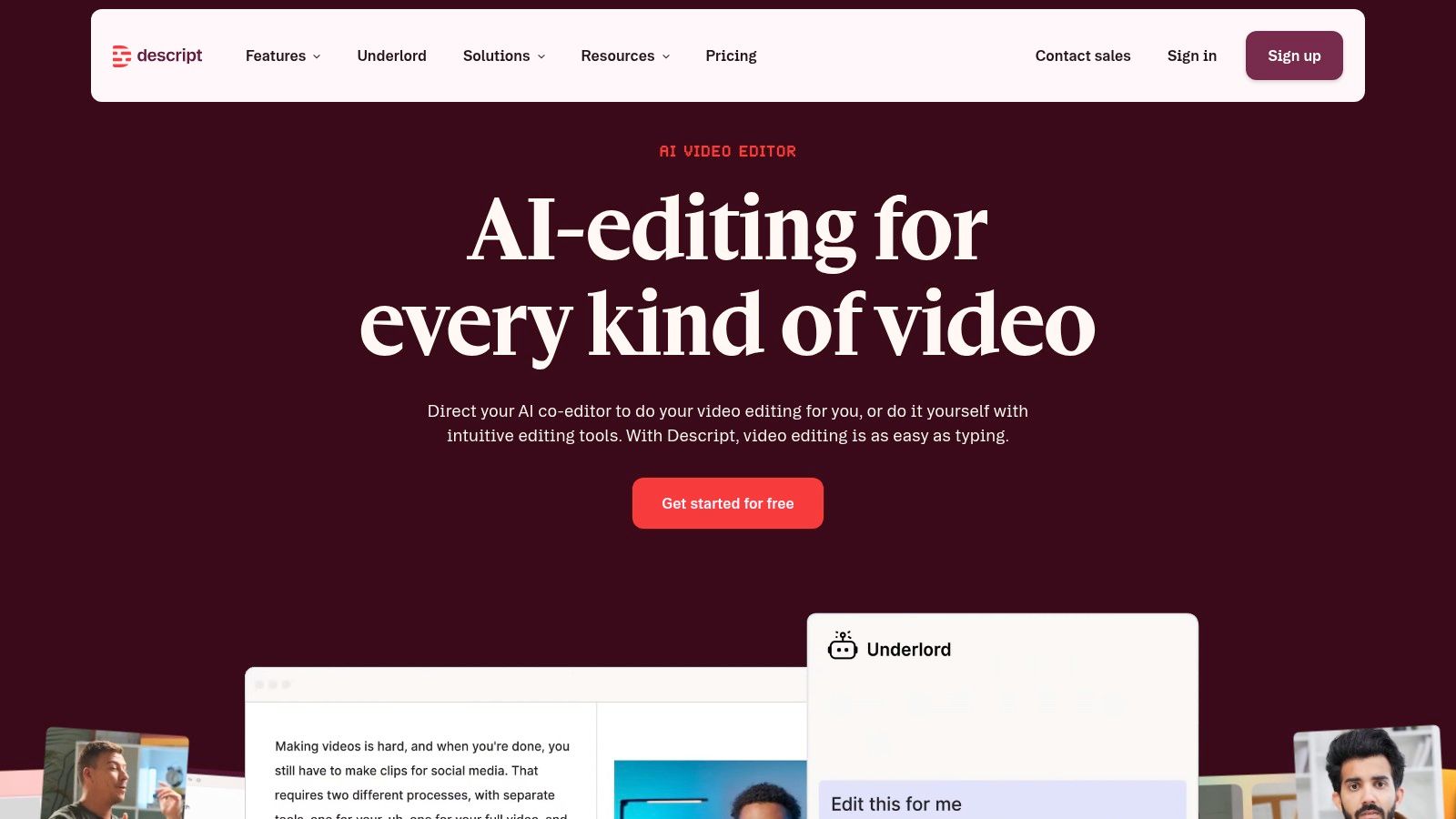
Descript fits the editing job, not the clipping job. It earns its place when the source material is long-form spoken content and the bottleneck is cutting, cleaning, and restructuring what was said. For interviews, tutorials, webinars, podcasts, and founder-led explainers, transcript-based editing is often faster than working clip by clip on a timeline.
The practical advantage is simple. Editors can remove a sentence from the transcript and cut the matching audio and video at the same time. That speeds up rough cuts, removes a lot of hunting through waveforms, and makes script revisions less painful for teams that review in text. Studio Sound, filler-word removal, and Overdub can also reduce the amount of repair work needed before a piece is ready for approval.
Descript works best in the middle of the workflow. Capture elsewhere if needed. Shape the spoken narrative here. Then move the project into a heavier editor if the final version needs detailed motion graphics, layered visual design, or frame-precise finishing. If you are comparing transcript-first tools before choosing that middle layer, this guide to best transcription software for editing and review workflows is a useful reference.
Where it fits best
Creators who publish idea-dense content usually get the most value from Descript because the wording carries the piece. That includes educators, B2B teams repurposing webinars, agencies editing client interviews, and podcasters cutting multiple versions from one recording.
It is less convincing for formats where the story is built in visuals first. Fast montage edits, effect-heavy shorts, and brand campaigns with strict design systems usually outgrow it before the finish line.
Trade-offs to watch
Descript can make spoken-content editing much easier, but it does not remove editorial review. Automatic filler-word cleanup still needs a pass because not every pause or repeated phrase is a mistake. Overdub is useful for small fixes, yet it should be handled carefully on client work or anything trust-sensitive where voice authenticity matters.
Cost can also shift with usage. Teams producing at volume should check feature limits and credit-based tools before making it the default editor for every project.
For script-led video, Descript is one of the clearest examples of a tool solving a specific production job well. It helps turn raw conversation into a clean draft quickly. It usually does not replace the final-control layer.
5. Captions
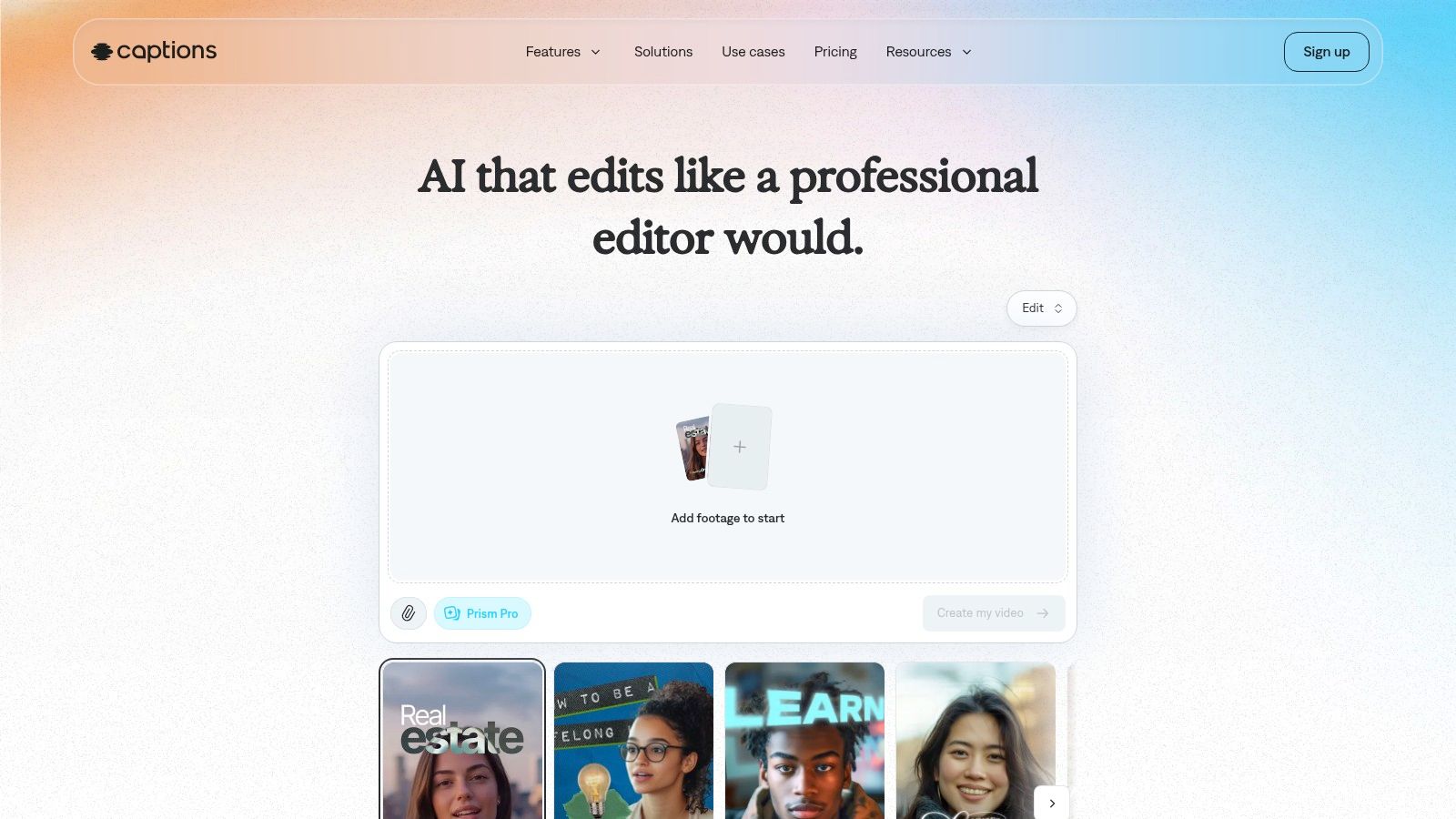
A lot of creators do not need another full editor. They need a faster way to record a clean talking-head video, fix small performance issues, add readable subtitles, and publish before the idea goes stale. Captions is built for that production job.
It fits the middle of a creator stack, right after the idea is clear and before a heavier finishing pass becomes necessary. I would put it in workflows where the source footage is simple, the format is face-to-camera, and the bottleneck is consistency rather than creative edit complexity.
What it does well is keep recording and polish close together. The teleprompter reduces retakes. Eye-contact correction can rescue clips recorded off-axis. Denoise, pacing help, and auto-captions handle the cleanup jobs that usually slow down solo creators publishing several times a week.
That combination is useful for coaches, educators, founders, and UGC creators working from a phone. It is less convincing for multi-camera interviews, visual-first storytelling, or branded edits that need tight motion design and detailed timeline control.
The trade-off is obvious after a few exports. Captions can improve delivery, but it can also make delivery look processed. Eye-contact correction is the feature to watch most closely. Light use can save a usable take. Heavy use can make the speaker feel synthetic, which is a poor trade if trust is part of the format.
Use Captions if your main job is turning one person speaking into a publishable short quickly. Skip it as the core editor if your workflow depends on layered B-roll, precision timing, or final-frame brand control. In that sense, Captions works best as a compact record-and-polish layer, not as the only tool in the stack.
6. VEED
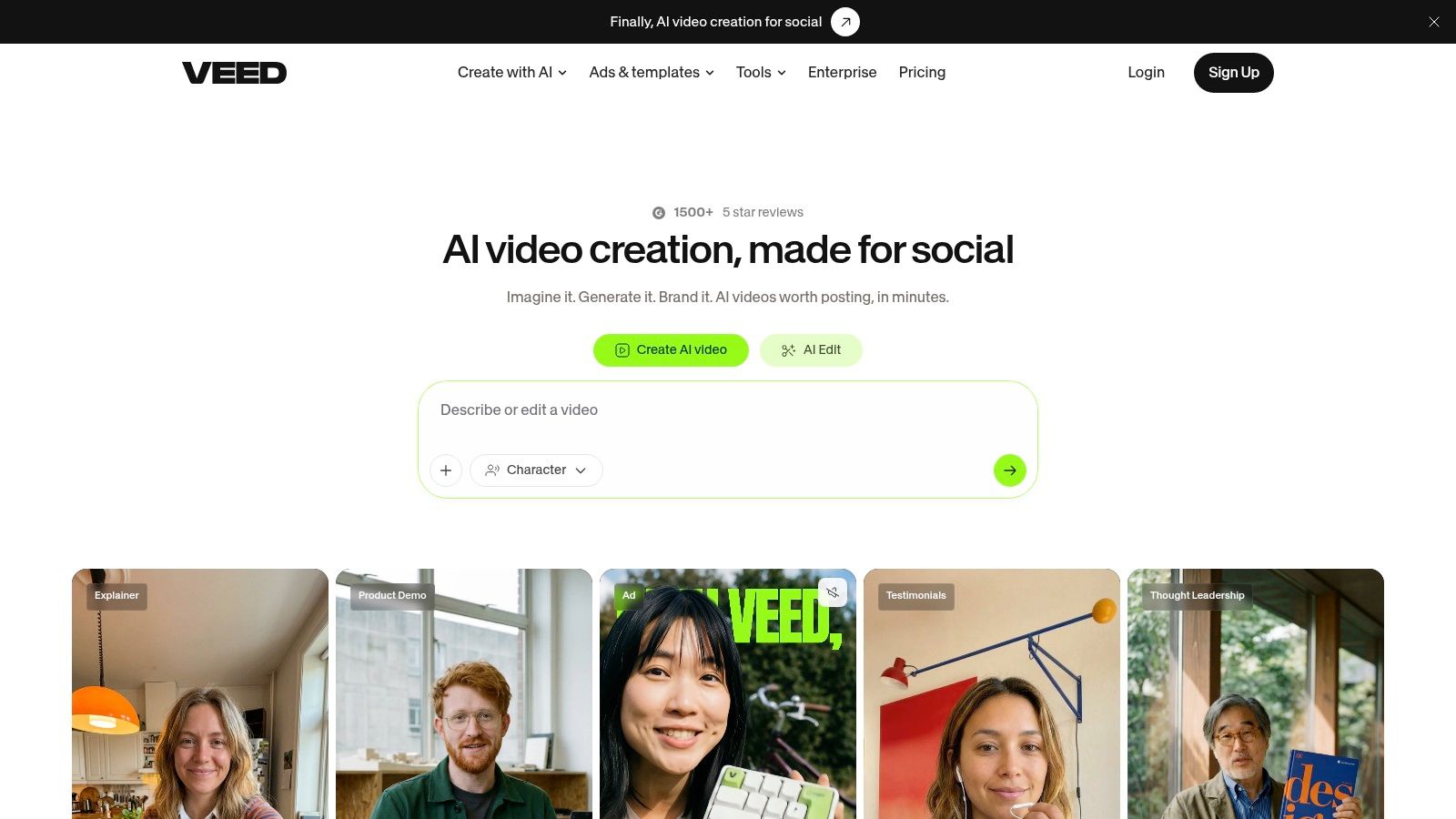
VEED is one of the more accessible browser-based options for creators who want editing and localization in the same place. You don't need a heavy desktop setup, and that simplicity is part of its appeal. Open a browser, upload, subtitle, translate, dub, export.
Its AI features are practical rather than glamorous. Auto-subtitles, translation, eye-contact correction, background cleanup, and dubbing all map to common creator jobs. That makes VEED a good fit for marketers, agencies, and creators who need quick output with low setup friction.
Strong use case
VEED is especially useful when your workflow involves many simple variants instead of one perfect master edit. Think social explainers, product clips, quick subtitled edits, and multilingual versions that need to move through review quickly.
A lot of public coverage focuses on generation and repurposing, but creators also increasingly use AI earlier in the workflow. One 2026 creator-research report says 58% of video creators use AI for ideation and trend research, 68% use AI for some part of repurposing, and 74% use AI for caption or script writing, according to Presenc AI's research on how creators use generative AI. VEED fits into the middle and late parts of that stack well.
Practical caution
Localization features are only useful if you can review them. Dubbing and translation can expand reach, but they also create more approval work. If no one on your team can verify the translated output, it's safer to stick with subtitles first.
VEED's web-first model is the selling point. It's also the limitation. Power editors may outgrow it. But for quick-turn subtitled and translated social content, it's a strong middle-ground option.
7. CapCut
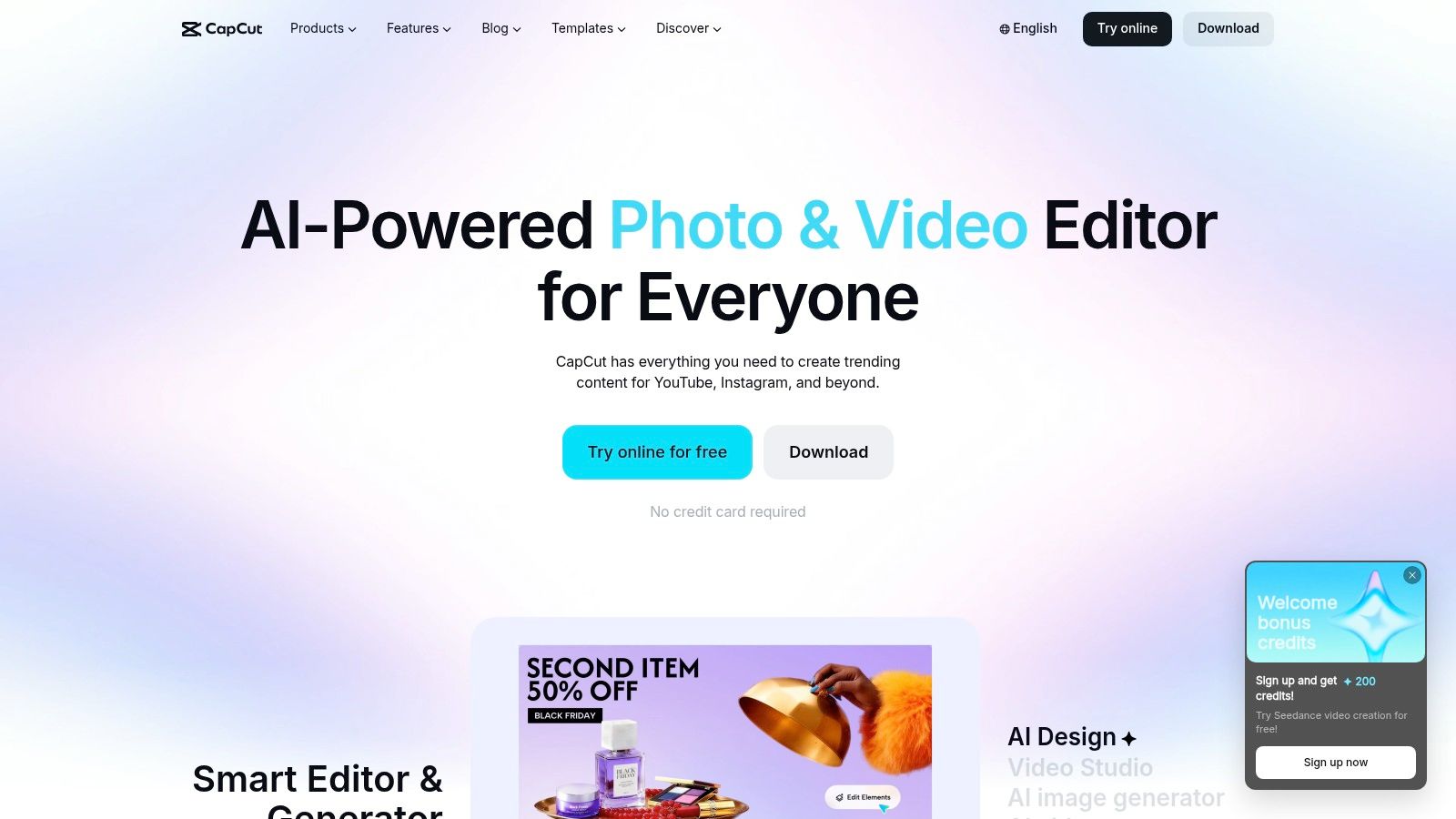
CapCut is still one of the easiest places to assemble fast vertical edits. It's less about deep strategy and more about output speed. Templates, auto-captions, text-to-speech, background removal, motion tracking, and trend-friendly effects make it a practical workbench for TikTok and Reels creators.
Its real strength is that it understands the grammar of short-form social video. You can move quickly from rough footage to something that already feels native to the feed. That matters when your success depends partly on matching platform pacing and visual rhythm.
Best for native short-form production
CapCut is a better fit for creators making platform-first content than for editors finishing premium brand pieces. If you produce reaction clips, tutorials, montages, or trend-adjacent content several times a week, it compresses production time well.
Keep one rule in mind. Templates should save time, not decide your style.
That's the main risk. Template-heavy editing can make every clip look borrowed. If you use CapCut well, you start with its shortcuts, then customize enough that the final post still feels like your channel.
Cross-platform support helps too. You can start on phone, continue on desktop or web, and keep the workflow flexible. Just expect some pricing and feature differences depending on platform and region. CapCut is easy to start with, but creators should still confirm which AI tools are included before building a larger process around it.
8. Riverside Magic Clips
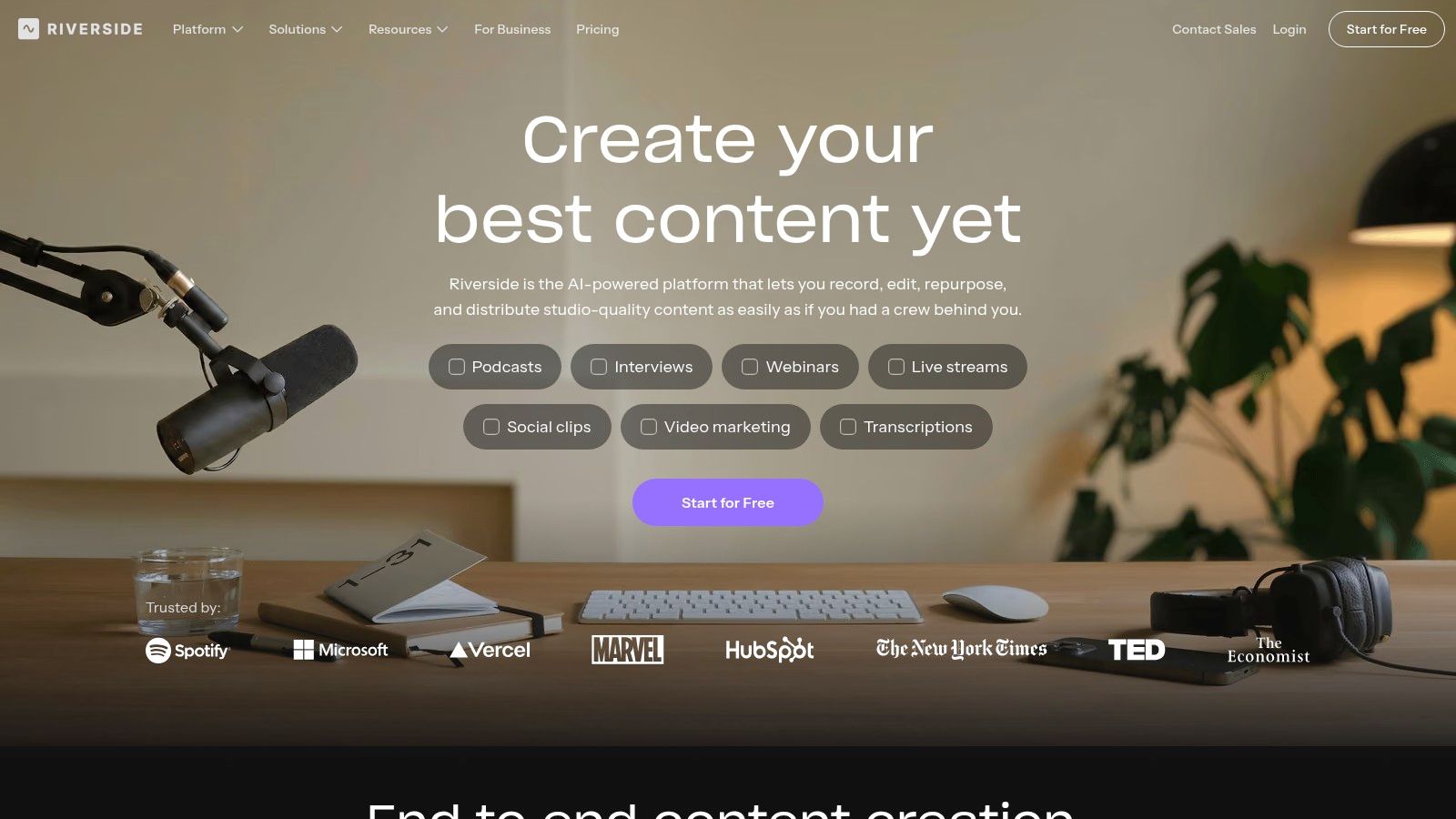
For interview-led workflows, clipping starts at recording. Riverside is useful because it handles both jobs in one place. Record the remote conversation, generate a transcript, pull candidate highlights, and send editors a cleaner first pass without exporting files across three different tools.
That matters more for podcast hosts, agency teams, and in-house creators publishing repeatable expert content than it does for trend-driven creators cutting footage from a phone camera. If the source material is a Zoom-style conversation, Riverside solves an earlier production job than CapCut does. It helps capture usable raw material, then turns that long-form source into short-form options.
A practical setup looks like this:
Record the interview in Riverside. Use Magic Clips to surface likely pull quotes or teachable moments. Then review those cuts for context, pacing, and hook strength before sending approved clips into your editing tool of choice for branding, motion design, or heavier restructuring.
That review step is the trade-off. Magic Clips can save time on selection, but it does not understand your audience's prior knowledge, your offer, or which sentence earns the CTA. I've found it most reliable as a rough selector, not a final editor.
Its fit is narrow, but strong.
Creators who already have a separate recording stack may not need it. Creators who lose time chasing guest recordings, cleaning remote audio, and pulling social snippets from every interview probably will. Riverside earns its place when the bottleneck sits upstream, at capture and first-pass extraction, not at final polish.
9. HeyGen
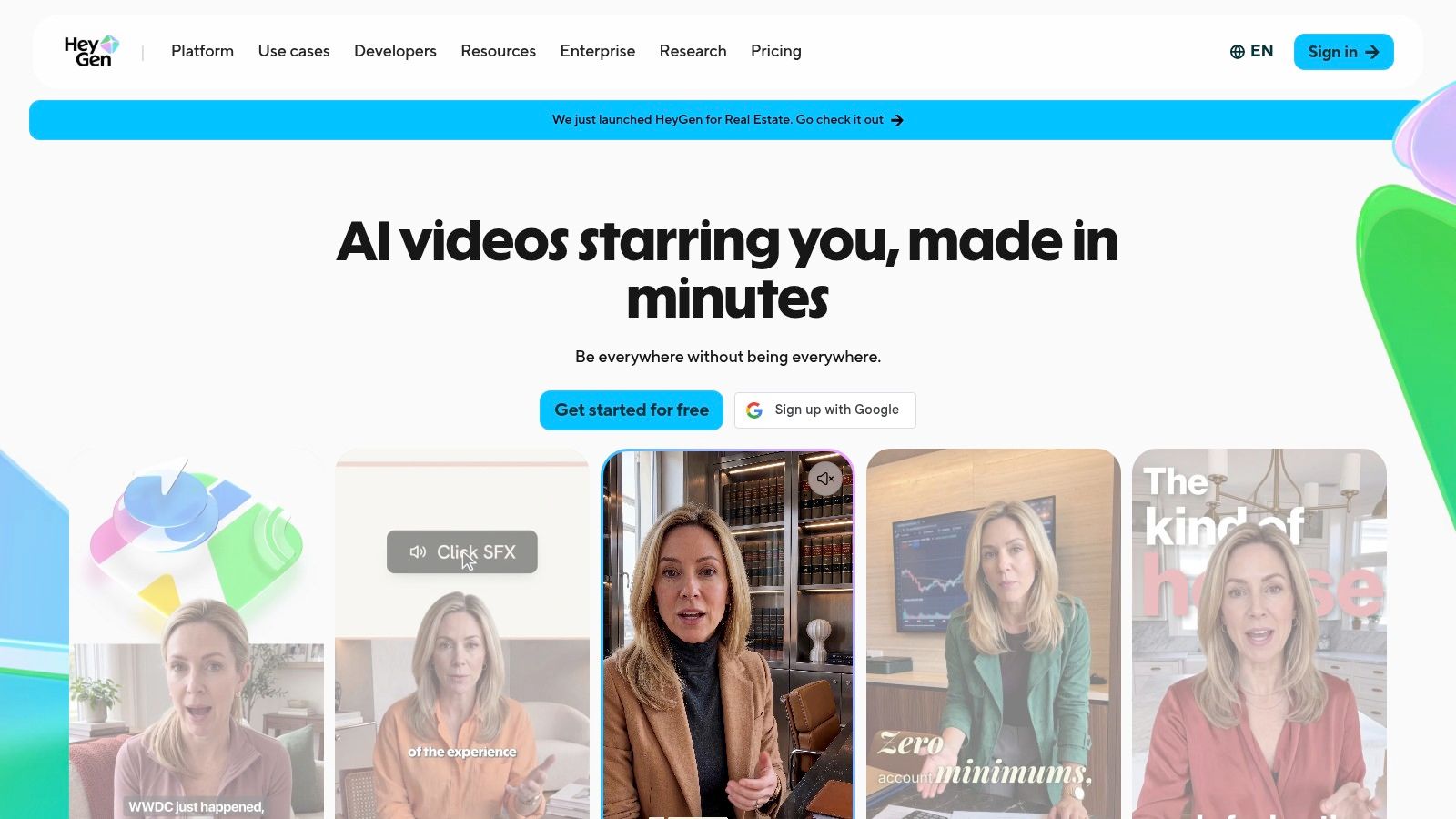
HeyGen sits in a different category from most tools here. It's less about editing what you recorded and more about scaling talking-head style video creation and localization without reshooting. Avatars, voice cloning, translation, dubbing, and lip-sync are the reasons to consider it.
That makes HeyGen useful for certain formats and awkward for others. If you produce explainers, product walkthroughs, or multilingual educational content, it can compress production dramatically. If your brand depends on rawness, spontaneity, or highly physical performance, the synthetic layer can become a liability.
Localization first, not creativity first
The most defensible use for HeyGen is multilingual distribution. Translating a strong original video into many languages with lip-synced output is often more practical than producing separate shoots for every market. It's also useful for internal teams that need repeatable presenter-style videos.
Adobe's 2026 Creators' Toolkit Report found that 75% of creators describe AI as integrated or essential to how they work, and 87% of creators using creative AI say it has accelerated the growth of their business or audience, according to Adobe's newsroom summary of the 2026 report. Tools like HeyGen explain part of that shift because they expand what one recorded asset can become.
What to watch closely
Lip-sync realism still depends on footage style. Side angles, rapid cuts, and expressive delivery can expose the seams. Voice cloning also needs review for tone, pronunciation, and emotional fit.
The best use of synthetic video is extension, not disguise.
Use HeyGen when multilingual scale is worth the added review burden. Don't use it to fake authenticity that your audience expects to feel personal and direct.
10. Adobe Premiere Pro
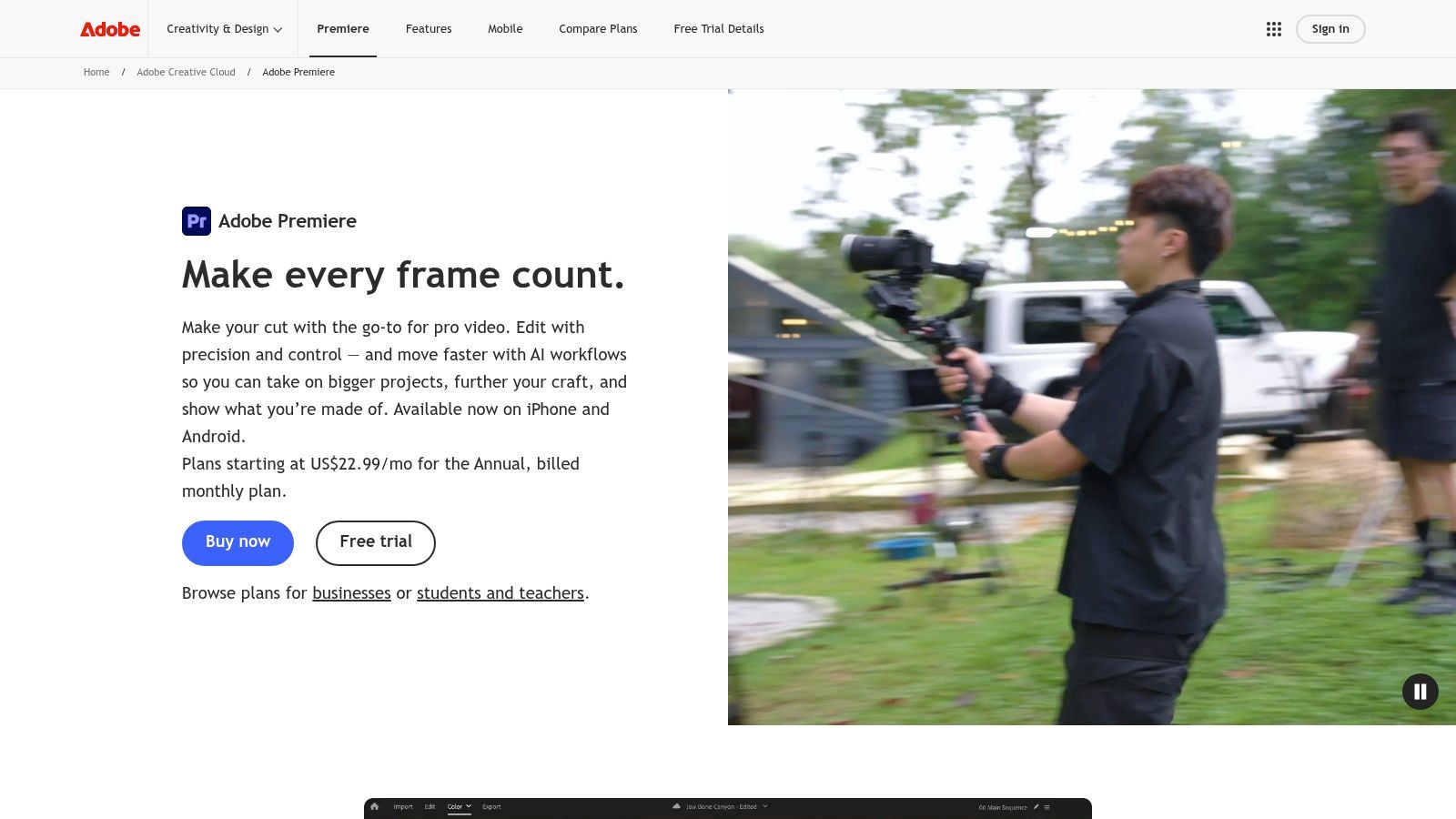
Adobe Premiere Pro is the tool you bring in when speed stops being the main job. Several apps on this list are better for getting clips out fast. Premiere is better at finishing them properly. Its AI features, including text-based editing, Speech to Text, captions, Enhance Speech, Auto Reframe, and Firefly-assisted tasks, reduce manual work without turning the editor into an afterthought.
That makes it a fit for the last stage of the stack: final control.
Premiere tends to earn its place after research, clipping, and rough assembly are already done. A team might spot winning short-form patterns in one tool, pull selects in another, then move the best pieces into Premiere for tighter pacing, branded motion, cleanup, and delivery versions. That workflow costs more time than an all-in-one shortcut, but it solves a different problem. The output needs to match campaign standards, legal review, platform specs, and internal approvals.
For creators who already work inside Adobe's ecosystem, these text effects for Premiere Pro are a practical add-on once the edit is locked.
Where Premiere fits best
Premiere is strongest when the content package has layers. Multiple aspect ratios. Shared project files. Precise graphics timing. Color consistency across a series. Clean handoff between strategist, editor, and reviewer.
That level of control matters more as teams add AI to production. The practical question is not whether AI can generate a usable first pass. It is whether someone still needs to inspect every cut, caption, graphic, and export before publish. Premiere handles that review-heavy workflow better than lighter repurposing tools.
The trade-off
Premiere asks for more skill and more patience. Setup takes longer. Review is more deliberate. If the job is basic talking-head shorts with captions, it is often more software than a solo creator needs.
If the job is final polish, compliance, and exact outputs, Premiere still belongs in the stack.
Top 10 AI Content Tools Comparison
| Tool | Core / Unique Features ✨ | UX / Accuracy ★ | Ideal For 👥 | Price / Value 💰 |
|---|---|---|---|---|
| TransClipper 🏆 | ✨ Instant 5–30s transcripts (50+ langs), hook/structure/CTA detection, Viral Hook Generator, bulk import, 1080p no‑watermark | ★★★★☆ (fast, structured forensic reports) | 👥 Creators · Agencies · Brand teams · Researchers | 💰 Free / Pro $7.4/mo ($89/yr) / Business $16.6/mo ($199/yr) |
| OpusClip | ✨ Auto‑reframing, clip prioritization, Virality Score, API & mobile apps | ★★★★☆ (quick highlight surfacing) | 👥 Teams repurposing long recordings | 💰 Paid tiers, focused on scale & automation |
| Munch | ✨ Long→short repurposing + platform copy (Smart Posts), multi‑language support | ★★★☆☆ (multichannel convenience) | 👥 Solo creators · Lean teams | 💰 Trial + Studio or pay‑as‑you‑go "Munches" |
| Descript | ✨ Edit‑by‑transcript, Studio Sound, Overdub voice‑fixing | ★★★★☆ (powerful for spoken‑word editing) | 👥 Podcasters · Talking‑head creators · Editors | 💰 Subscription; some AI features use credits |
| Captions | ✨ AI teleprompter, eye‑contact correction, auto‑captions/translation (mobile/web) | ★★★☆☆ (fast record→publish on mobile) | 👥 Solo/mobile creators | 💰 Freemium + monthly/annual tiers (store differences) |
| VEED | ✨ Web‑first auto‑subtitles/translation, dubbing, eye‑contact fix, APIs | ★★★☆☆ (easy web workflow + localization) | 👥 Quick editors · Localization teams | 💰 Freemium + credit/plan tiers for scale |
| CapCut | ✨ Auto‑captions, AI effects, background removal, trending templates | ★★★★☆ (fast, trend‑ready vertical edits) | 👥 TikTok/Reels creators · Trend editors | 💰 Mostly free; some paid/region features |
| Riverside (Magic Clips) | ✨ Capture + one‑click Magic Clips, audio cleanup, auto transcription | ★★★★☆ (studio capture + auto‑clipping) | 👥 Podcasters · Interviewers · Remote teams | 💰 Paid plans; advanced Magic Clips on higher tiers |
| HeyGen | ✨ AI avatars, voice‑cloning, lip‑synced translation in 175+ langs | ★★★☆☆ (strong for scalable localization) | 👥 Global marketing · Explainers · Localization teams | 💰 Free tier + paid credits / plans |
| Adobe Premiere Pro | ✨ Text‑based editing, Enhance Speech, Auto Reframe, Firefly integrations | ★★★★★ (broadcast‑grade control) | 👥 Professional editors · Agencies · Studios | 💰 Higher‑cost CC subscription; enterprise options |
Build the Smallest Stack That Matches Your Format
The best stack usually isn't ten tools. It's three or four tools that match your format, review tolerance, and publishing cadence.
Start with the type of source material you already have. If your world revolves around TikTok, Reels, and Shorts, use TransClipper first for pattern discovery, transcript extraction, hook analysis, and asset capture. That gives you a stronger brief before you script or record anything. If your content starts as a podcast, webinar, interview, or long YouTube video, add a repurposing layer like OpusClip, Munch, or Riverside to generate candidate short clips quickly.
Then choose your editing lane. Descript is the best fit when speech drives the story and you want transcript-led editing. Captions and CapCut are better when speed, mobile production, and social-native output matter more than full timeline control. VEED sits in the middle if you want browser-based editing plus translation and subtitling. Premiere Pro is the right choice when your team needs exact finishing control, heavier branding, or multi-asset campaign work.
Localization should be the last tool decision, not the first. It only makes sense when multilingual distribution justifies the extra review load. HeyGen and VEED can help there, but every translated subtitle, dubbed line, and lip-synced output still needs human review before it goes live.
The broader adoption data supports this modular approach. Adobe's 2025 Creators' Toolkit Report says 86% of creators are actively using creative generative AI, 76% say it accelerated the growth of their business or follower base, 60% used more than one creative AI tool in the past three months, and 81% believe AI helps them create content they otherwise could not have made, according to AI Content Drop's summary of the report. The important part isn't just adoption. It's the multi-tool behavior. Creators are already combining specialized apps instead of waiting for one platform to do everything well.
One more signal matters. Independent creator-economy survey data in 2026 shows 57.3% of creators use AI tools every day, 71.7% use them at least weekly, and 89.2% always review and edit AI output before publishing, according to ADAI's creator statistics summary. That last point is the operating principle for every tool on this list. AI should remove repetitive work. It shouldn't remove judgment.
A practical workflow looks like this:
- Research patterns first: Study winning short-form examples and note the hook, structure, pacing, and CTA choices.
- Outline the hook before recording: Decide the opening angle before you shoot or repurpose.
- Record or import the source: Clean source material improves every downstream AI step.
- Generate candidate edits: Let the tool create first-pass clips, captions, or translations.
- Verify everything that matters: Check transcripts, captions, claims, names, cuts, visual continuity, and voice outputs manually.
- Publish and learn: Keep what your audience responds to, then feed those patterns back into the next brief.
That's the value of ai tools for content creators. They don't eliminate the craft. They make the repetitive parts smaller so the strategic parts get more attention.
If your work depends on TikTok, Reels, or Shorts, TransClipper gives you a cleaner place to start than a generic AI app. You can turn any short-form video into a transcript, hook breakdown, structure analysis, CTA map, and reusable research asset in seconds, then use those insights to write stronger hooks and faster scripts.


