
On this page22 sections
The best YouTube Shorts script generator isn't necessarily the one that produces a polished paragraph from a topic. That assumption treats every Shorts workflow as identical, even though creators often start in very different places. One creator needs to reverse-engineer a successful reference video. Another needs YouTube-native ideas. A brand may need script-to-video assembly, branded layouts, multilingual narration, or a beginner-friendly editor.
YouTube Shorts has grown from its launch in 2020 to a reported more than 200 billion daily views and around 2 billion monthly users in 2026, according to reported YouTube Shorts audience data. That scale makes hook clarity, spoken pacing, retention cues, and the handoff from script to edit practical production concerns, not minor refinements. Short-form video also occupies a major role in marketing, with 2026 marketing data from Kapwing reporting that 85% of marketers call it the most effective social media content type.
This comparison evaluates tools by workflow fit, not by generic AI claims. The relevant questions are whether each platform gives you script control, produces usable output, hands off cleanly to editing, scales without confusing credits, supports brand or language requirements, and exposes limitations before they affect production. For broader planning around publishing short video on YouTube, see this guide to short video for YouTube.
1. TransClipper
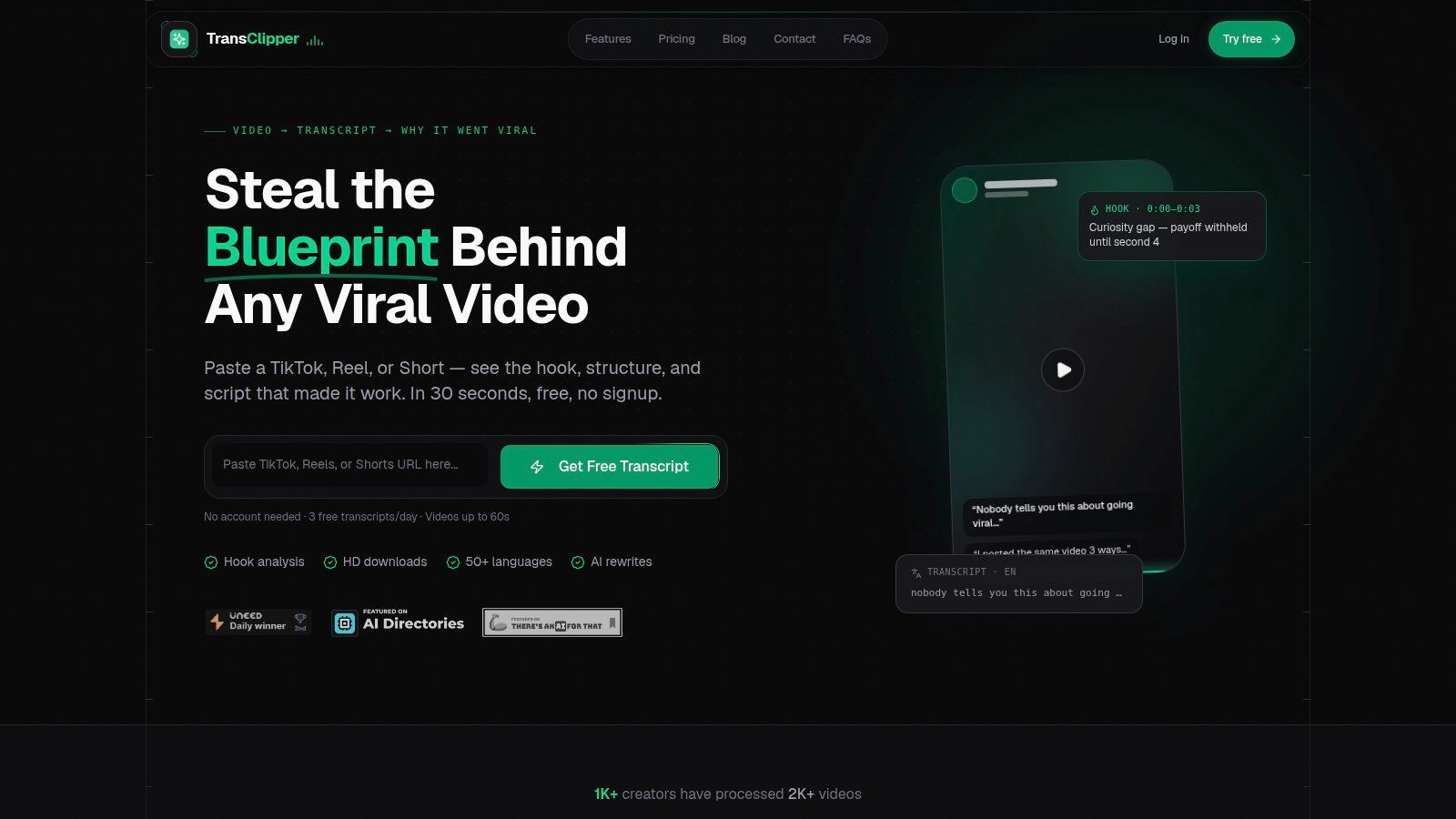
TransClipper fits a Shorts workflow that begins with reference videos, not a blank prompt. Paste a YouTube Short, TikTok, or Instagram Reel link to receive a timestamped transcript and analysis of the opening hook, narrative beats, CTA, audience, emotion arc, loop points, and overall viral score. The result functions as a research and reverse-engineering layer before script generation, helping creators turn videos into searchable source material.
A prompt-based generator can propose a hook, but it rarely explains why a reference Short holds attention. TransClipper's labels can reveal patterns such as Hook → Problem → Twist → Payoff, which you can then use with its Viral Hook Generator, Script Rewriter, and Virality Analyzer. Reviewing several references helps identify recurring mechanics and shape an original brief without copying wording, footage, or distinctive expression.
Where it fits before and after generation
The platform supports bulk importing of up to 50 video links at once, a searchable research library, TXT, XML, and PDF exports, team workspaces, secure cloud storage, and a transcript API. Product information reports that most transcripts complete in 5 to 10 seconds, while longer clips take under 30 seconds. It also supports HD downloads, including 1080p output without platform watermarks, so research files can remain alongside the analysis. See TransClipper for the product details.
That workflow has a clear handoff. Before generation, reference Shorts become transcripts, hook patterns, audience cues, and CTA examples. After generation, the same notes can guide an original script, narration plan, or edit brief. This makes the tool more useful for analysts, agencies, and creators studying a format than for someone who only needs instant topic ideas.
The free tier offers 3 transcripts per day for videos up to 60 seconds. Pro is listed at $7.42 per month when billed annually at $89, and Business at $16.58 per month when billed annually at $199. Pro includes unlimited transcripts, 100 AI agent runs per month, bulk import, HD downloads, and videos up to five minutes. Business increases the quotas, supports videos up to ten minutes, and includes 300 AI runs per month. The limits are explicit, although the free tier is unsuitable for high-volume research.
Practical rule: Use reference Shorts to extract structure and creative patterns, not to reproduce their language, footage, or distinctive expression.
TransClipper cannot extract spoken content from clips without speech or when transcription is disabled, and very large automated scraping may be rate-limited. Its fit is narrow but clear: research-first production that moves from reference video to searchable insight, then from insight to an original script brief. Evaluate that workflow through TransClipper.
2. vidIQ
vidIQ is built for creators whose starting point is a YouTube topic, not a competitor's video. Its AI Script Generator can turn an idea into a Shorts-friendly draft with tone controls and quick editing, while the wider Generate workspace connects scripts with titles, descriptions, thumbnail ideas, and voiceover previews. That YouTube-native context gives vidIQ a practical advantage for channels that want ideation and packaging in the same creator environment.
The workflow is especially useful when you already understand your niche and want to move quickly from a content idea to a publishable concept. A creator planning a series of Shorts can test different angles, adjust the tone, and keep the writing connected to YouTube metadata rather than exporting a generic script from a standalone chatbot.
The trade-off in YouTube optimization
vidIQ's focus is a strength, but it also defines the product's boundary. It's primarily a script and ideation suite, not a full video editor, so you'll still need another production environment for detailed captions, scene timing, visual assembly, or final polish. Free tools are available to trial, and vidIQ has a large creator education ecosystem, but resource-heavy features use an AI credit system. Costs can vary by the tools you run, which makes heavy-use planning less predictable than a simple unlimited subscription.
That credit model matters if your process includes many rewrites, voiceover previews, or repeated idea variations. Before committing, compare the cost of your complete workflow, not just the first generated script. You may also want a separate research layer, because YouTube-native ideation doesn't replace structured analysis of reference Shorts. TransClipper's guide to AI video content analysis explains the complementary research problem.
Choose vidIQ when your main question is, “What should my YouTube channel publish next?” Choose another tool, or pair it with TransClipper, when the question is, “What structural patterns can I learn from successful Shorts before I write?”
3. Kapwing
Kapwing makes sense for creators who don't want a long gap between script generation and an editable vertical video. Its AI Script Generator drafts copy from a prompt, then its Script-to-Video workflow can assemble scenes, captions, and stock assets inside the browser-based editor. The platform also supports quick resizing for the 9:16 format, subtitle work, manual editing, and team collaboration.
That combination suits rapid testing. A social media manager can generate a short concept, turn it into a rough video, inspect whether the visuals support each spoken line, and revise the script or edit without moving between several applications. The handoff is cleaner than a script-only generator because the output immediately exists in a visual context.
What still needs human judgment
Kapwing's generated result depends heavily on the assets selected for each scene. Stock footage may technically match the words while failing to create a strong visual reason to keep watching. Captions, timing, visual emphasis, and scene changes often need manual polishing, particularly when the script relies on a specific demonstration, product detail, or visual callback. A strong script structure still matters, and this explanation of video script structure can help you assess whether the draft has a clear promise and payoff.
Kapwing's paid plans use credits for AI and smart tools. That means the effective cost depends on how often you regenerate scripts, produce scenes, or use other AI operations. Check current allowances before designing a high-frequency production system, especially if you're making multiple versions of each Short.
Kapwing is a strong fit when “editable first draft” matters more than maximum control over every sentence or scene.
It's a practical middle ground for creators who want a modern web editor, fast subtitles, and script-to-video assembly without adopting a professional nonlinear editing workflow.
4. VEED
VEED places its AI script generator inside a broader online video editor. You can generate copy for YouTube, TikTok, or Reels, then continue into captions, text-to-speech, avatars, stock media, and other editing tools. That makes it useful for creators who value quick iteration more than a research-heavy workflow.
A typical use case is a marketer producing several variations of a product explanation. The first script can move directly into the editor, where the creator tests narration, caption treatment, stock footage, and visual pacing. If a line sounds unnatural, it can be revised in the same environment rather than sent back to a separate writing tool.
A flexible editor with changing economics
VEED's main advantage is its breadth. It can support ideation, narration, captions, and assembly in one browser workspace, which reduces handoff friction for small teams. The limitation is that the product's plan names, export rules, and AI allowances can change, so you'll need to verify the current limits before estimating production costs. Advanced exports and more generous AI usage generally require paid access.
That variable structure makes VEED better suited to teams willing to monitor usage than to teams that need a fixed cost per Short. AI-generated narration and avatars can also make a draft feel standardized unless you revise delivery, emphasis, and visual rhythm. The editor gives you the tools to improve those elements, but it doesn't remove the creative responsibility.
Use VEED when you want a single ideation-to-editing workspace for Shorts and Reels. It's less compelling if your central need is extracting hook patterns from a library of reference videos or controlling every edit at a professional level.
5. Pictory
Pictory is designed for a specific production pattern, idea to structured script to stock-based video. Its AI Script Generator can turn a concept into a draft, support iterative rewrites, and send the result into a scene-by-scene storyboard with stock footage, captions, and AI voices. That makes it a natural fit for faceless educational, informational, and voiceover-led Shorts.
The storyboard preview is important because it exposes the relationship between narration and visuals before export. You can see whether a scene changes at the right moment, whether the stock footage supports the point, and whether the script has enough visual variety for a vertical feed. This is more useful than receiving a text block and discovering during editing that the copy has no practical visual plan.
Best for stock-driven storytelling
Pictory works well when you don't need to appear on camera and your content can be represented with licensed stock media, text, and narration. It can reduce the work involved in building a first draft, particularly for explainers where the visual layer supports rather than demonstrates the idea.
The weakness is the same feature that creates speed. Automated scene selection can be literal, repetitive, or poorly matched to the emotional emphasis of the spoken line. Manual changes are often necessary to improve pacing and visual specificity. Generative features also use AI credits, so repeated rewrites and video assembly can complicate cost planning.
Pictory is a better choice than a YouTube-only writing tool when you want to inspect a complete storyboard early. It's not the ideal option for a creator whose format depends on original camera footage, fast visual demonstrations, or highly controlled motion design.
See Pictory's script-to-video workflow.
6. InVideo AI
InVideo AI targets the creator who wants to reach a vertical video draft from a prompt, script, or URL with minimal setup. It can generate a script, add voice, captions, stock media, music, and templates, then provide an editor for manual adjustments. The result is a fast zero-to-first-draft workflow for short, stock-driven content.
That makes InVideo AI useful for marketers testing several content concepts or creators building faceless videos without assembling every scene manually. The large template and stock library can speed up visual selection, while the editor gives you a route out of the initial automated result when the scene choices don't work.
Speed comes before granular control
InVideo AI's benefit is production momentum. You can move from a rough instruction to a coherent draft without separately sourcing every visual or recording a first voiceover. The trade-off is control. Until you enter the editor, you have less granular influence over how each line is paced, which visual appears, and where the strongest emphasis lands.
Its AI usage is credit-based, and the practical cost depends on the operations involved in producing each Short. Creators should pay attention to the cost of generating a 30 to 60-second Short, especially when testing multiple versions rather than accepting the first draft. The tool's speed is most valuable when you have a repeatable format and a clear review process.
Choose InVideo AI for rapid stock-driven production. Choose Kapwing or VEED if you want a more hands-on browser editing experience, and choose TransClipper first if the input is a set of reference Shorts you need to analyze before writing.
7. Fliki
Fliki is one of the clearest options for creators who care about multilingual narration. Its dedicated AI YouTube Shorts Generator can turn a one-line idea into a Shorts-length script and then produce a 9:16 video with voiceover, captions, stock media, or AI media. You can also provide your own script, which gives teams a way to retain editorial control while using Fliki for narration and assembly.
The language coverage changes the workflow rather than adding a translation button. A translated script may need a different punchline, sentence rhythm, cultural reference, or CTA style. Research on multilingual short-form systems, including this multilingual video generation research, highlights why localization requires more than literal substitution.
Strong fit for global content teams
Fliki's multilingual text-to-speech library, avatar options, and dubbing capabilities can help a brand adapt a concept for several markets. It's particularly useful when the visual structure can remain similar while the spoken delivery changes by audience. The script-to-video workflow also accepts finished copy, so you can draft or approve language outside the platform before generating narration.
The practical limitations are minutes and credit caps on plans, plus the need to replace weak or mismatched visuals manually. High-frequency publishing can consume allowances faster than expected when each concept requires multiple languages or voice versions. Review pronunciation, emphasis, and timing in every target language, because a technically accurate voice can still sound wrong for the intended audience.
Fliki is the best fit here for multilingual voice-led Shorts, not necessarily for deep competitive research or highly customized brand design.
Explore Fliki's text-to-speech tools.
8. Canva
Canva is the practical choice for branded Shorts where script, layout, captions, and visual identity need to live together. Magic Write can help draft copy across Canva Docs and design tools, while Script-to-Video and AI video features support faceless production, avatars, auto-captions, and 9:16 layouts. Its large template ecosystem lowers the barrier for teams that already use Canva for social graphics.
The platform's advantage isn't necessarily the originality of its first script. It's the ease of applying brand colors, typography, recurring layouts, product imagery, and reusable visual systems after the draft exists. A marketing team can create a repeatable Shorts template and keep the video aligned with other campaign assets without asking every creator to learn a complex editor.
Design consistency can expose generic writing
Canva's script output may sound generic when the prompt lacks a specific audience, point of view, or proof. The visual polish can also make weak copy look finished before the team has solved the hook, spoken pacing, or payoff. Treat the generated script as a draft, then edit it for natural delivery and a clear visual plan.
Some AI video features and premium stock assets require Canva Pro. That makes licensing and feature access part of the cost decision, especially for teams that already pay for Canva and are deciding whether Shorts production justifies a higher tier.
Use Canva when brand consistency and low-friction design matter most. It's less suitable as the primary tool for reverse-engineering competitor content or producing highly nuanced narration across languages.
Open Canva's video creation platform.
9. Microsoft Clipchamp
Microsoft Clipchamp is aimed at beginners who want a guided route from idea to video. Its “Create a video with AI” workflow can assemble a script, AI voiceover, and matched stock footage, while built-in text-to-speech, subtitles, and simple reformatting support short vertical videos.
That makes Clipchamp a sensible option for someone already working inside the Microsoft ecosystem. The editor is approachable, and the workflow reduces the number of separate decisions a first-time creator has to make before seeing a complete draft. A small business owner can use it to produce a narrated explainer without learning advanced editing software first.
Accessibility over advanced control
Clipchamp's limitation is depth. It offers fewer advanced editing controls than a professional nonlinear editor, so creators may reach its ceiling when they need precise sound design, complex compositing, detailed keyframes, or highly controlled pacing. Feature access and pricing are also connected to Microsoft 365 licensing tiers, with a personal free tier available, so the right comparison depends on what your existing account already includes.
The automated match between script, voice, and stock can produce a serviceable first pass, but it still needs review for emphasis, caption accuracy, and visual relevance. Clipchamp is strongest when the goal is a simple, usable draft, not a customized channel format.
10. Visla
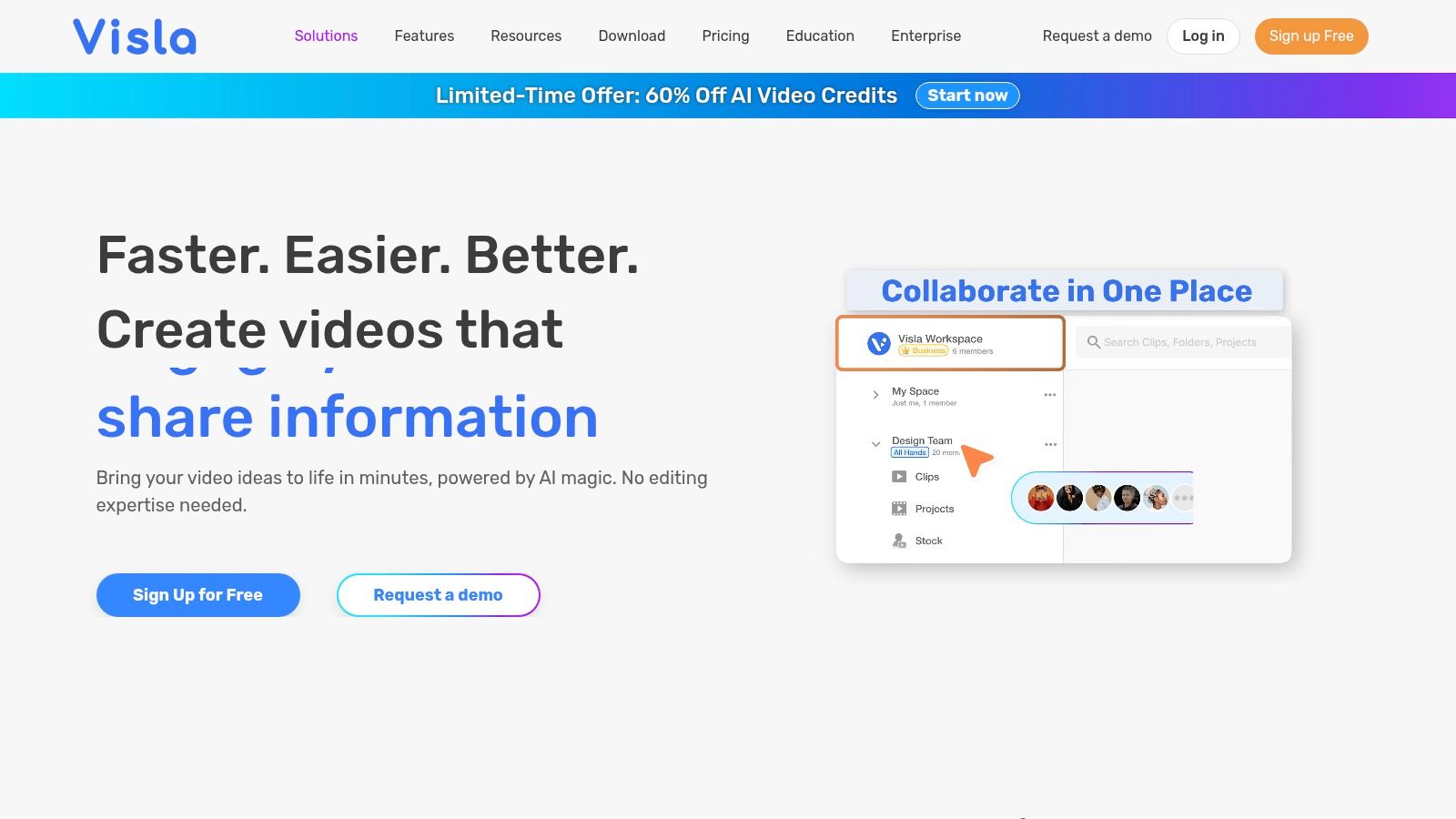
Visla balances script generation with visual assembly. You can start with an idea and ask the platform to expand it into a structured script, or paste finished copy and let it build scenes with matched visuals, voice, and pacing. Its Shorts guidance and 9:16 workflows make it relevant to creators who want more structure than a writing assistant but less complexity than a full professional edit suite.
The ability to begin with an approved script is useful for agencies and brand teams. Writers can finalize the words first, then use Visla to explore how those words translate into scenes. Alternatively, a creator can begin with a topic, inspect the generated structure, and refine the copy before committing to the visual draft.
Transparent task accounting
Visla documents how credits map to AI operations such as script generation and text-to-speech. That transparency helps teams estimate usage more deliberately than a vague “AI access included” promise, although credit accounting still creates planning overhead for frequent production. Its template ecosystem is smaller than Canva's, which may matter to brands that depend on extensive design variation.
Visla is a good fit for teams that want a clear connection between approved copy and assembled scenes. It's less compelling when the main need is a large branded template library, the simplest possible beginner experience, or research across many reference Shorts.
Top 10 YouTube Shorts Script Generators, Comparison
| Product | Core features | Quality (★) | Price & Value (💰) | Target & USP (👥 ✨) |
|---|---|---|---|---|
| 🏆 TransClipper | Instant transcripts (50+ langs); Hook/structure/CTA analysis; AI agents; Bulk import; HD downloads | ★★★★★ (fast & accurate) | 💰 Free 3/day; Pro $7.42/mo; Business $16.58/mo, high value | 👥 Creators, agencies, teams; ✨ Platform-tuned outputs, searchable library, API, 5–10s turnaround |
| vidIQ | YouTube-native AI script generator; Generate workspace (titles, thumbs, VO) | ★★★★ | 💰 Free + credit-based AI tools | 👥 YouTube creators; ✨ Data-driven YouTube optimization & workflows |
| Kapwing | Browser editor: AI script draft, Script→Video, subtitles, team workspaces | ★★★★ | 💰 Free tier + credits for AI features | 👥 Creators wanting editor-first flow; ✨ Editable outputs & fast resizing for 9:16 |
| VEED | Full online editor with script gen, auto-captions, TTS, stock | ★★★ | 💰 Free-to-try; paid plans for AI/exports | 👥 Shorts/Reels creators who edit in-platform; ✨ Integrated TTS, avatars & quick iteration |
| Pictory | Idea→script→video pipeline; stock media; scene storyboard previews | ★★★ | 💰 Credit-based plans | 👥 Faceless/stock-driven creators; ✨ Scene-by-scene storyboard & script refinement |
| InVideo AI | Prompt/URL→script→vertical video drafts; large template & stock library | ★★★★ | 💰 Credit-based; paid tiers for heavy use | 👥 Rapid template-driven creators; ✨ Extensive templates and asset library |
| Fliki | Idea→script→9:16 video with multilingual TTS & dubbing | ★★★ | 💰 Minutes/credits caps on plans | 👥 Global teams & voice-first creators; ✨ Large multilingual TTS voice library |
| Canva | Magic Write + Script→Video, auto-captions, vast templates | ★★★★ | 💰 Free + Pro for premium assets/features | 👥 Brands, designers, social teams; ✨ Huge template ecosystem & low-friction UI |
| Microsoft Clipchamp | Copilot-assisted script, TTS, matched stock; simple editor | ★★★ | 💰 Tied to Microsoft 365 tiers | 👥 Microsoft ecosystem users & beginners; ✨ Copilot workflow & easy reformatting |
| Visla | AI idea→script + script-to-video; transparent credit model & Shorts guides | ★★★ | 💰 Credit-based, documented pricing | 👥 Teams balancing script & visuals; ✨ Clear credit mapping and how-to guides |
Choose the Workflow Before the Generator
The right YouTube Shorts script generator depends on the first meaningful action in your production process. If you begin with reference Shorts, TransClipper is the clearest fit because it turns videos into searchable transcripts, timestamped hook and structure analysis, CTA patterns, and script inputs. It helps you study why a Short is organized a certain way before asking another tool to generate a new version.
Choose vidIQ when YouTube-centered ideation, titles, descriptions, thumbnail concepts, and creator workflow integration matter most. Choose Kapwing or VEED when you want script drafting to flow directly into a flexible browser editor. Pictory and InVideo AI are better suited to stock-driven, faceless production, while Fliki stands out for multilingual narration and voice coverage. Canva is the strongest choice for branded layouts and template-led design. Clipchamp favors beginners and Microsoft users. Visla offers a balanced script-to-scene workflow with documented credit mapping.
Shorts scale makes this distinction important. Reports cited by Global Media Insight place YouTube Shorts at roughly 2 billion monthly active users worldwide and more than 200 billion daily views in 2026. That audience creates room for rapid testing, but scale doesn't compensate for a weak premise, a vague opening, or a CTA that interrupts the payoff. The first one to three seconds deserve special attention because viewers decide quickly whether to continue.
Test tools with the same topic and the same creative brief. Compare the opening hook, spoken-word pacing, specificity, factual restraint, CTA placement, visual plan, caption quality, editing handoff, and total credit cost. Don't compare only the generated paragraph. Compare the finished Short you can realistically produce after revisions.
A repeatable workflow looks like this:
- Analyze references first: Import relevant Shorts into TransClipper and review transcripts, hook segments, narrative labels, CTAs, emotion arcs, and loop points.
- Extract patterns without copying: Record the underlying promise, tension, progression, and payoff. Replace the source's wording, examples, footage, and distinctive creative expression.
- Draft in the best-fit generator: Use vidIQ for YouTube ideation, Kapwing or VEED for browser editing, Pictory or InVideo AI for stock assembly, Fliki for multilingual narration, Canva for brand design, Clipchamp for beginner production, or Visla for structured scene building.
- Revise for retention and session flow: Decide whether the Short should maximize standalone completion or create a natural reason to watch the next video. Guidance on short-form attention emphasizes watch-through, loops, and session extension rather than relying on a catchy opener alone, as discussed in this analysis of short-form video attention.
- Verify before publishing: Check originality, claims, pronunciation, pacing, captions, visual relevance, CTA timing, and fit with the intended YouTube audience.
The strongest setup may involve two tools rather than one. TransClipper can handle the research layer before generation, while a second platform handles narration, design, stock, or editing. That division gives you more control over the creative input and prevents a polished video workflow from hiding a weak or unoriginal premise.
TransClipper helps creators turn YouTube Shorts and other short-form references into searchable transcripts, structured hook and CTA analysis, reusable research, and original script inputs. Visit TransClipper to test a research-first workflow before choosing the generator that will handle your narration, design, or video assembly.


